Install
Nightly builds for macOS and Windows, and what to expect on first launch.
Nightly builds for macOS (.dmg) and Windows (.exe) are on the download page. A nightly is built from the newest commit that passed its checks, at most once every six hours.
First launch
Solyx has no paid signing certificates yet. The macOS app is ad-hoc signed and the Windows installer unsigned, so the system warns you before the first launch.
Open the .dmg and drag Solyx Nightly into Applications.
Open the app once. macOS refuses it, since it is not signed with a Developer ID.
Allow it under System Settings → Privacy & Security, with Open Anyway, then open it again.
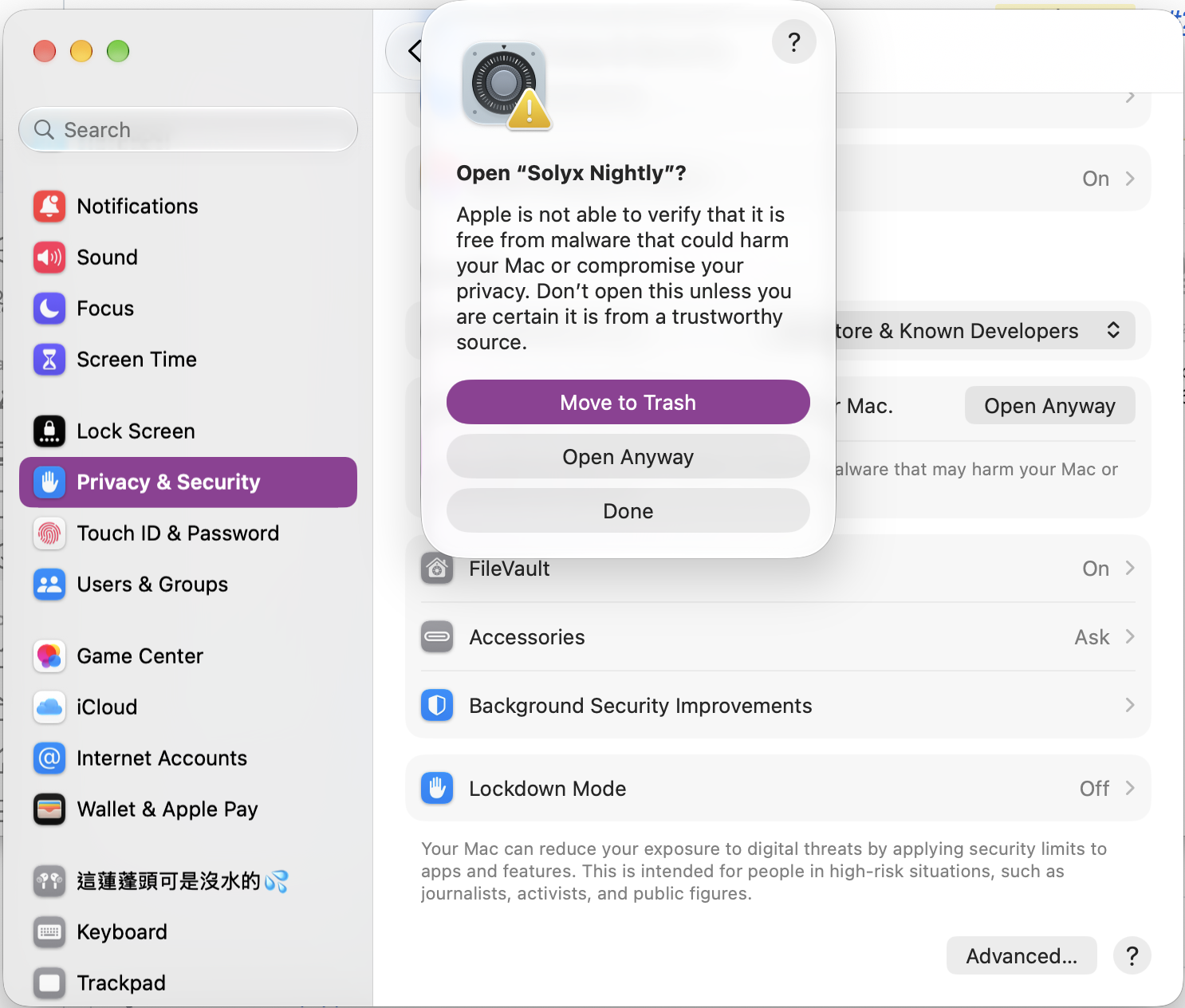
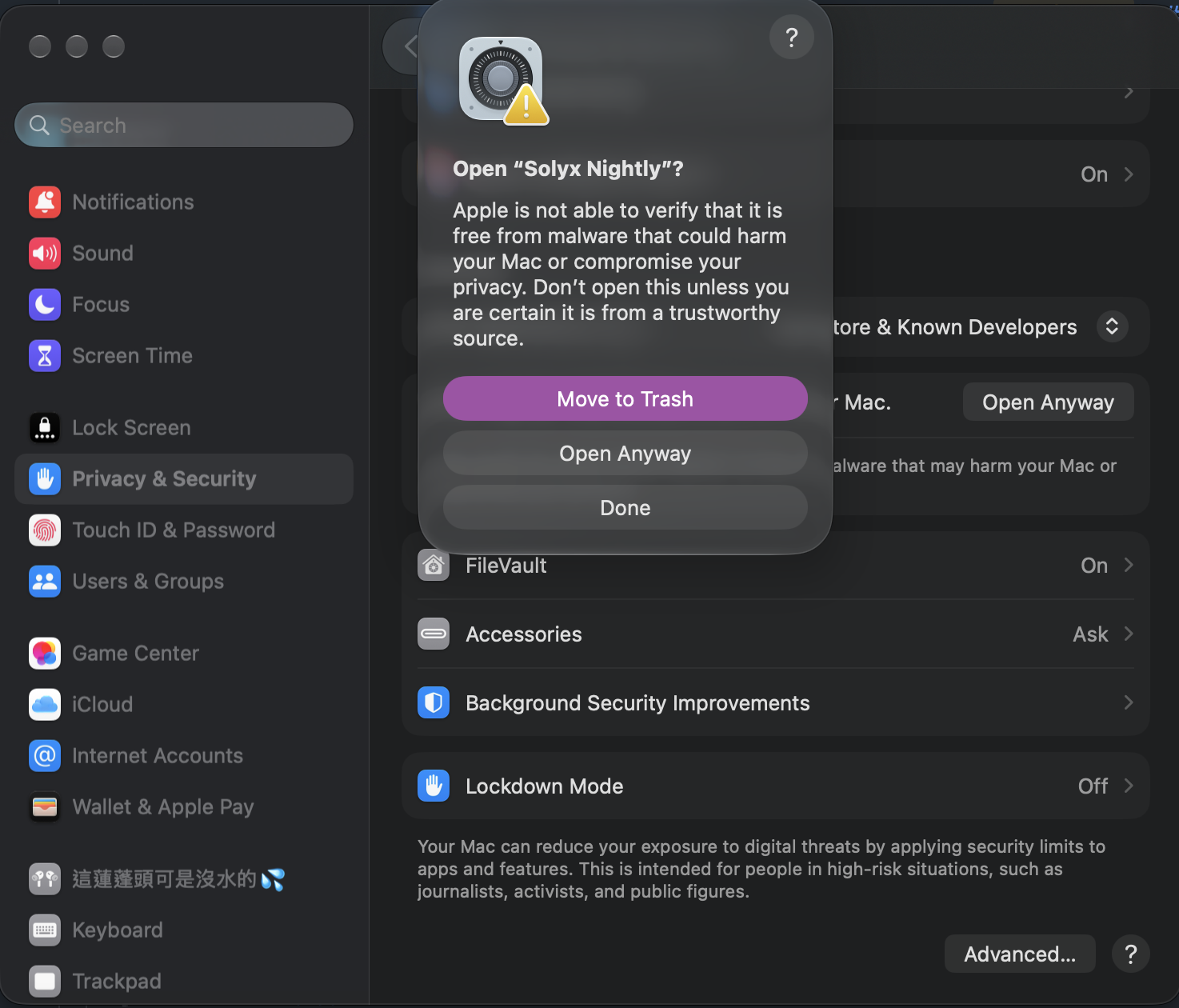
A nightly installs as Solyx Nightly and keeps its own data, so it never touches a stable install's settings, keys or databases. The first time it opens, Solyx walks you through what it needs. Keys and sources.
Updates
Solyx checks its channel for updates a minute after it starts, every six hours after that, and whenever you press Check now under Settings → About. Check for updates there switches the automatic checks off.
Solyx downloads the update and installs it when it restarts or quits; Restart to update in the status bar does it now.
A development build, and Linux, never check.
Where Solyx keeps things
- Settings live in
~/.solyx/config.json. You may edit it by hand; Solyx applies saved changes without a restart and never overwrites a file with syntax errors. - Keys and sign-ins are saved encrypted with your system's secret store, and never in the config file, a log or a backup.
- Your instructions for the agent sit beside the config:
skills/,AGENTS.mdandmcp.json.
Every file, and what config.json holds.
Build it yourself
Solyx needs Vite+ (vp) and Node.js 26 or later.
vp install           # install dependencies
vp run dev:desktop   # start the desktop app in development mode
vp run ready         # check, test and build
A development build runs as Solyx Dev, with its own settings and keys.