Paired browsers
Open your workspace in a browser you pair with Solyx, on this computer or another one over SSH.
Solyx can serve its workspace to browsers you pair with it, so you can follow the market, talk to the agent and run backtests from another window or another computer. It is off until you switch it on, and it serves only this computer's own address.
Switching it on
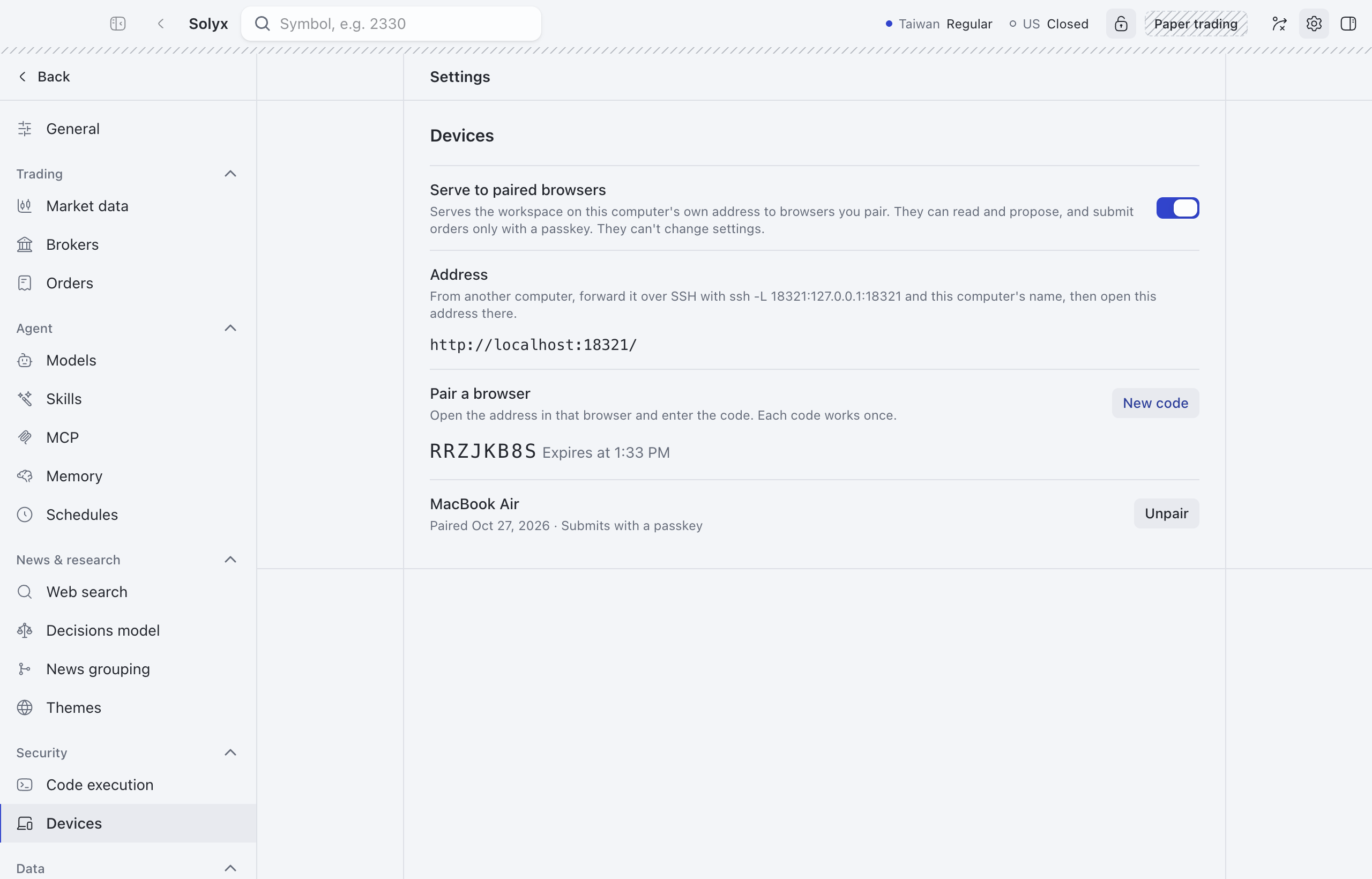
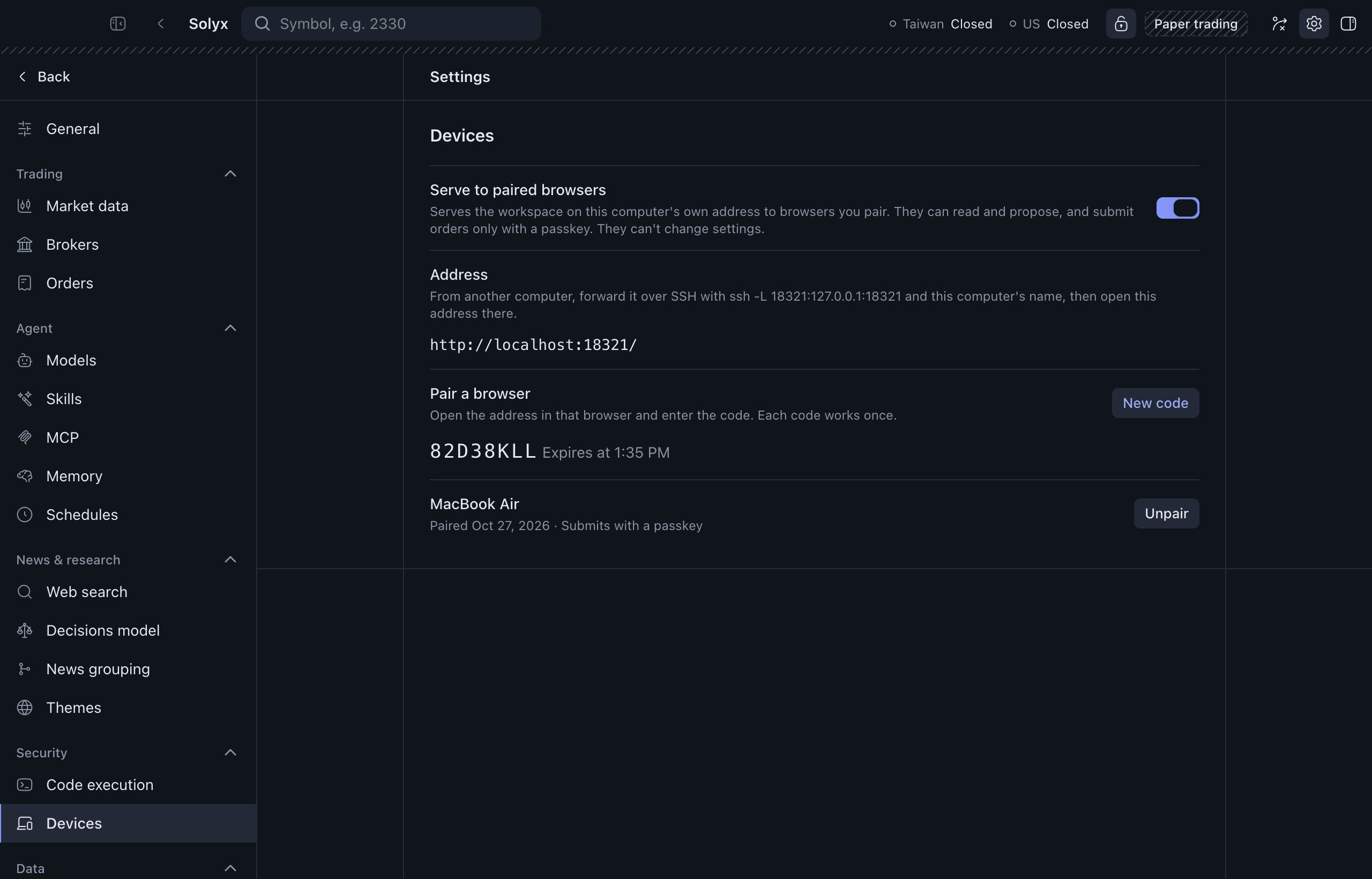
Under Settings → Devices, switch Serve to paired browsers on. Solyx serves the workspace at http://localhost:18321/; set remote.port in config.json for another port.
It listens on 127.0.0.1 alone and answers only requests that name this computer, so nothing else on your network can reach it. From another computer, forward the port over SSH and open the same address there:
ssh -L 18321:127.0.0.1:18321 your-computerPairing a browser
Show a code under Settings → Devices. A code lasts five minutes, works once, and is gone after five wrong tries.
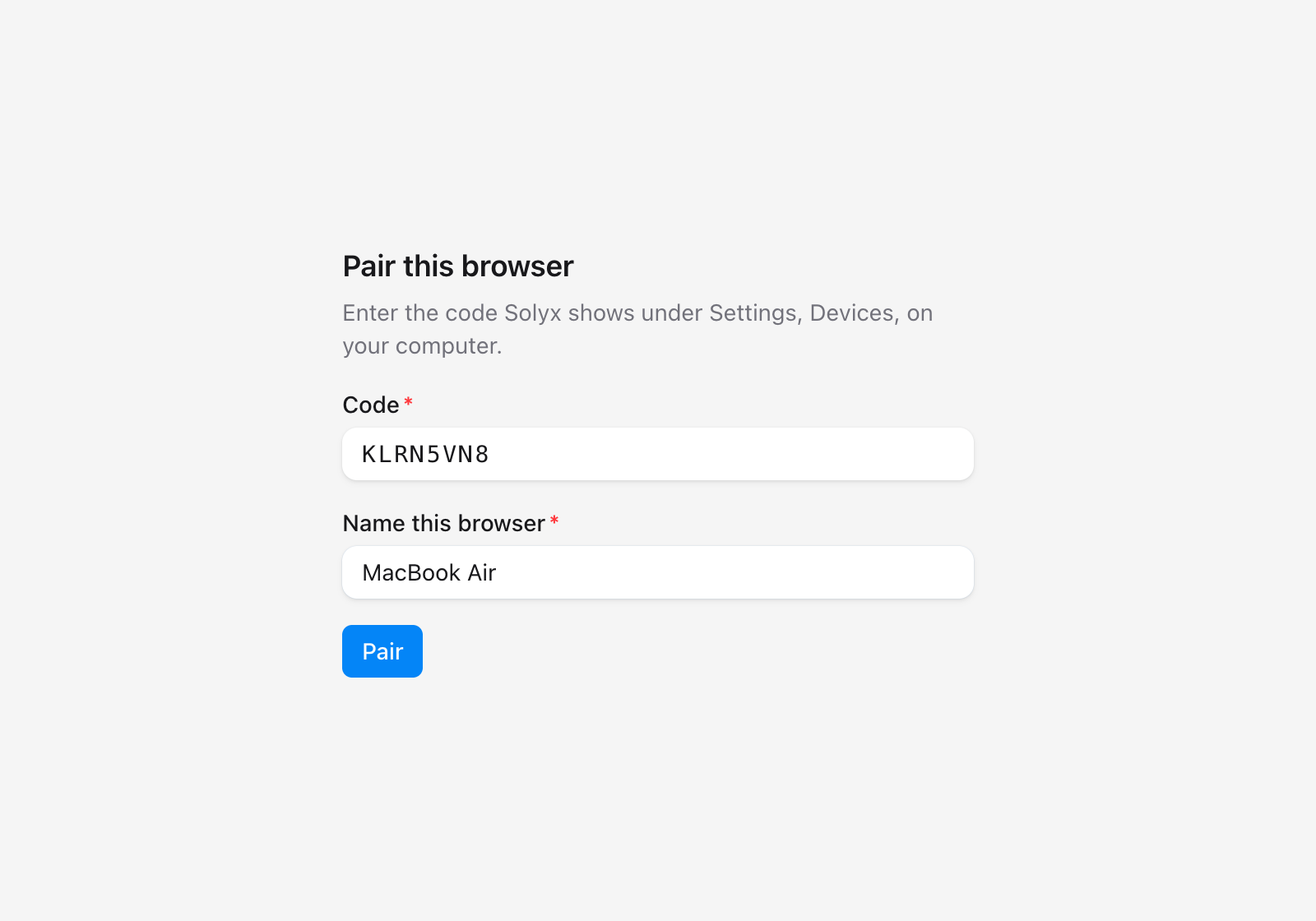
Open the address in the browser, enter the code and name the browser.
Add a passkey, if you want this browser to submit orders. Solyx offers it only now, right after pairing.
The browser keeps a token of its own. Solyx keeps only a hash of it, sealed with your keys, so no edit to Solyx's files pairs a browser. Unpair under Settings → Devices disconnects one at once.
What a browser can do
| A paired browser | Can |
|---|---|
| Read the workspace, charts, news, research | Yes |
| Talk to the agent | Yes, always as Ask first |
| Propose an order, run a backtest | Yes |
| Submit a proposal, cancel an order or exit | Only with its passkey, unlocked for each one |
| Allow the agent's calls | No: answer them on the computer running Solyx |
| Try a stopped run again | No: only the computer running Solyx can |
| Change settings, the lock or the mandate | No |
A browser's messages run as Ask first, whatever mode the computer set, so nothing its conversations start runs unasked while you may be away from the computer. A proposal the agent makes there still reaches your trading mandate like any other.
Passkeys
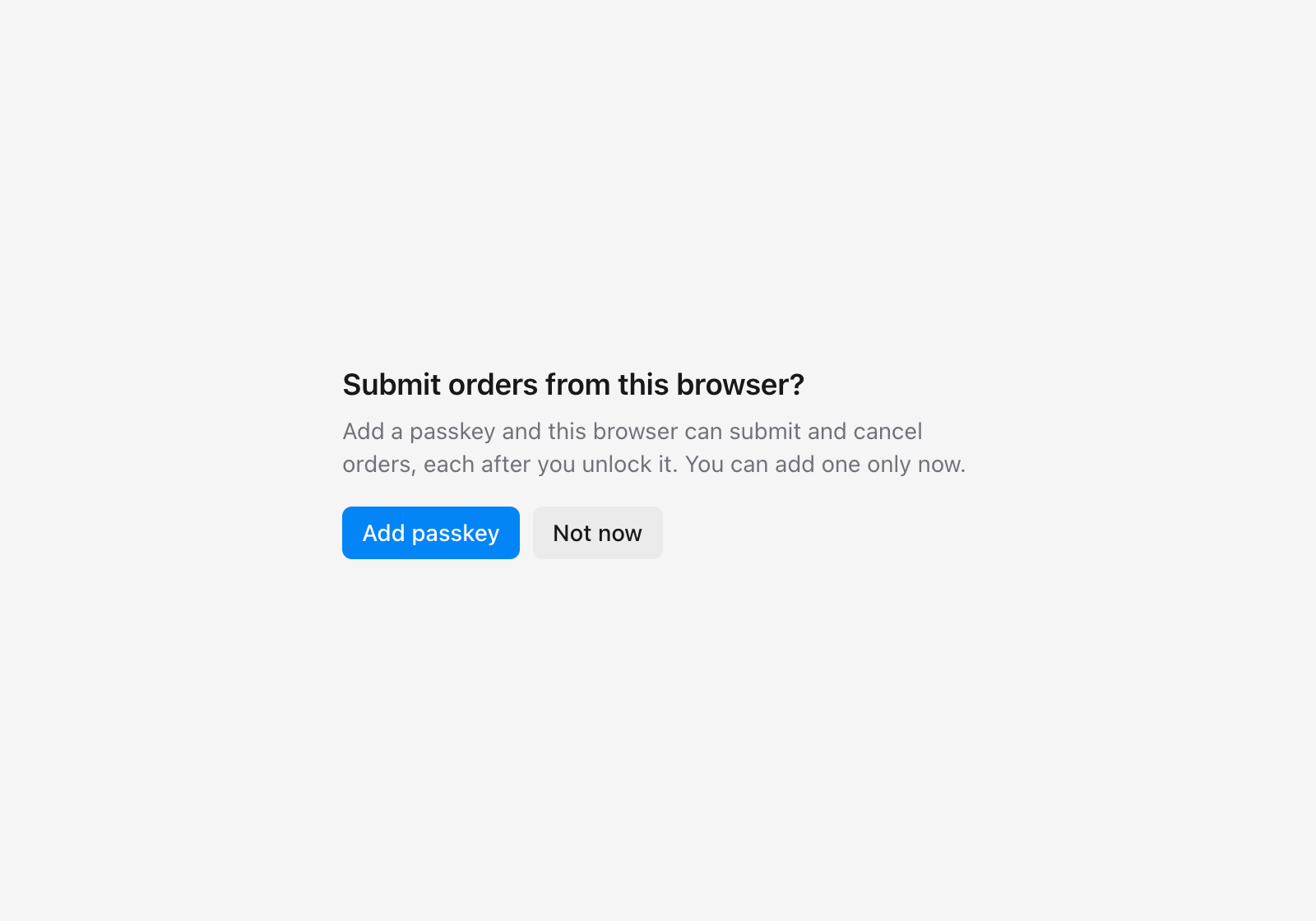
A passkey lets a browser submit a proposal and cancel an order or an exit. Each action asks you to unlock the passkey, and its signature covers that one action on that one proposal or order, for two minutes and once, so a token taken from the browser submits nothing.
Passkeys bind to a name, and browsers bind none to an IP address, so Solyx offers one only at localhost, not at 127.0.0.1. A browser paired without one shows submitting as left to the computer; pair it again to add one.