Observability
Send traces and logs to an OTLP endpoint you name, and crash reports only if you agree.
Solyx writes no log file of its own and sends no traces, logs or crash reports until you ask it to. You can name an endpoint for its traces and logs, and agree to send crash reports. What else leaves your computer is listed in the privacy policy.
Traces and logs over OTLP
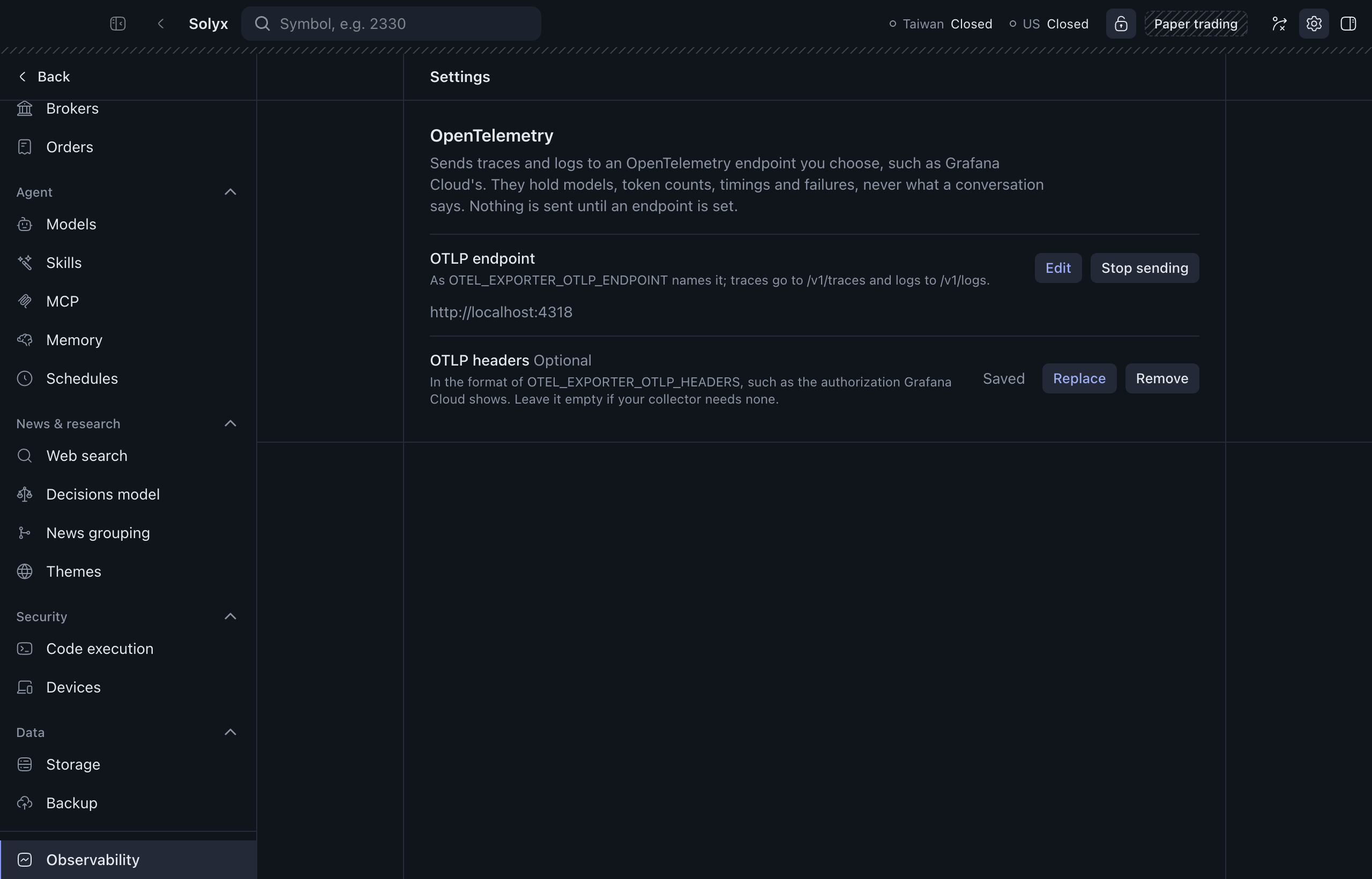
Under Settings → Observability, set OTLP endpoint as OTEL_EXPORTER_OTLP_ENDPOINT names it: traces go to /v1/traces and logs to /v1/logs beneath it. OTLP headers holds the headers it needs, such as an authorization, as comma-separated key=value pairs; it is saved with your keys. Stop sending clears the endpoint.
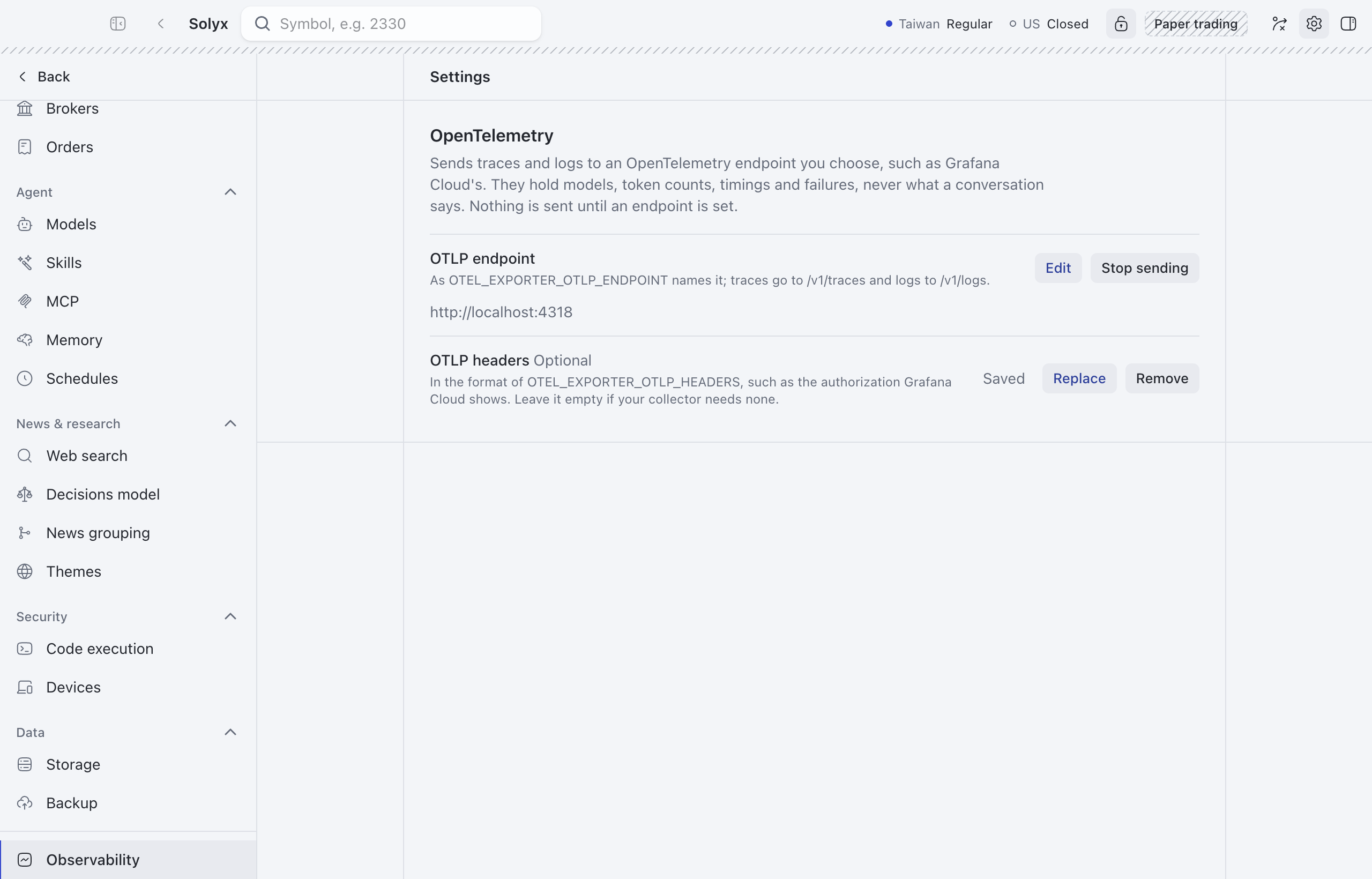
Each agent run is a trace: invoke_agent Solyx, with a chat span for each model call and an execute_tool span for each tool, under the service name solyx. Spans carry the provider and model, the tool's name, token counts, cache use and the reply's cost, following OpenTelemetry's GenAI conventions, never what a conversation says or what a tool was given or returned.
Sign in to the Grafana Cloud portal and open your stack.
Configure OpenTelemetry. On the stack's OpenTelemetry tile, choose Configure and generate a token. The page shows OTEL_EXPORTER_OTLP_ENDPOINT and OTEL_EXPORTER_OTLP_HEADERS. Grafana's guide.
Paste them into Solyx: the endpoint, such as https://otlp-gateway-<region>.grafana.net/otlp, and the headers. A pasted export OTEL_EXPORTER_OTLP_HEADERS= prefix and percent-encoding are accepted.
Only an endpoint you name
Nothing is sent until you set an endpoint, and only to it. Headers are kept with your keys, never in the config file.
Crash reports
When Solyx crashes, it can send a report to the project's Sentry so the problem can be fixed. It sends none until you agree, in the first-launch setup or under Settings → About with Send crash reports. Reports never carry keys. A development build sends none.