Market data
Set up Fugle or Fubon for Taiwan quotes and charts, and FinMind for fundamentals and flows.
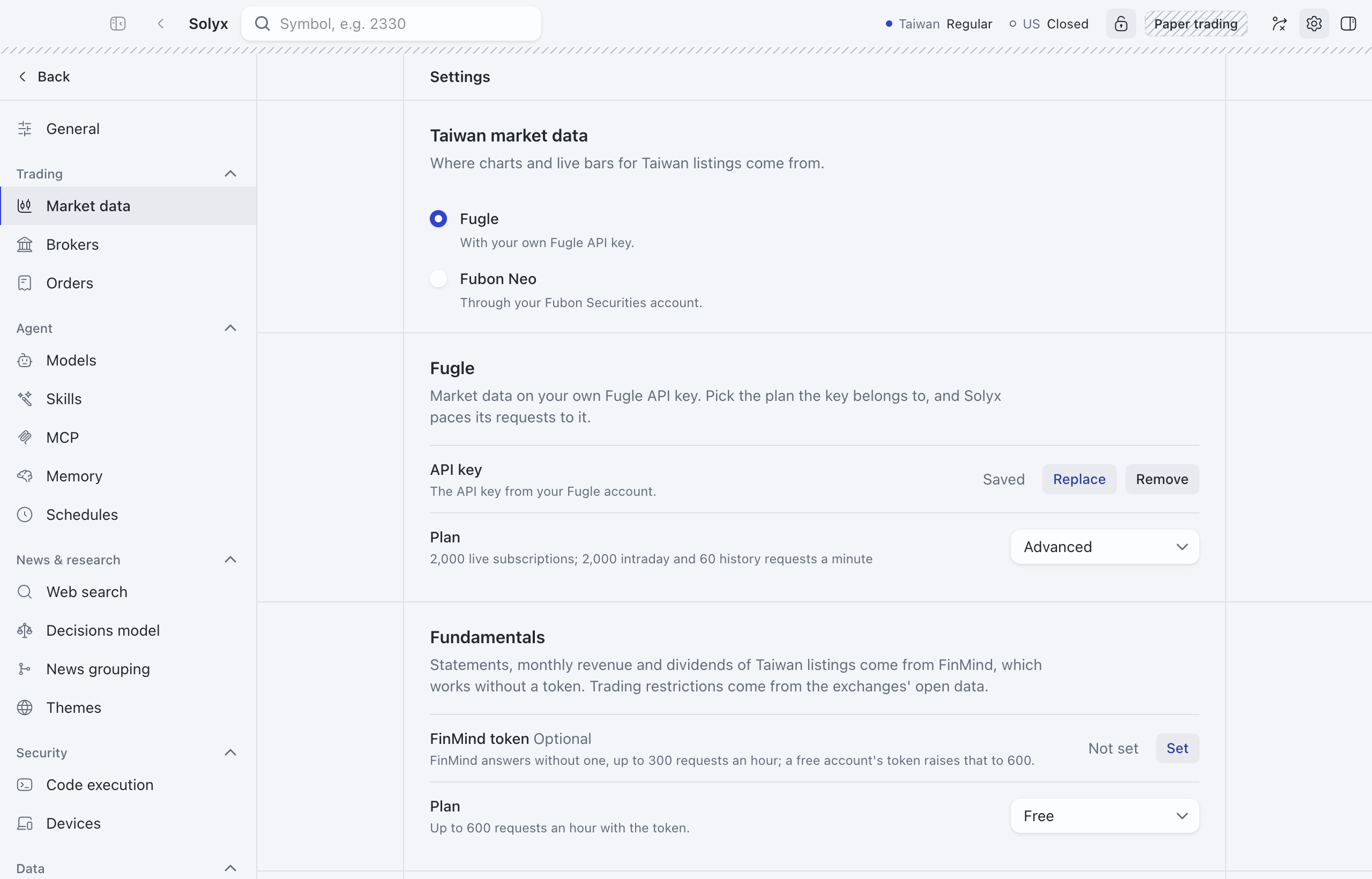
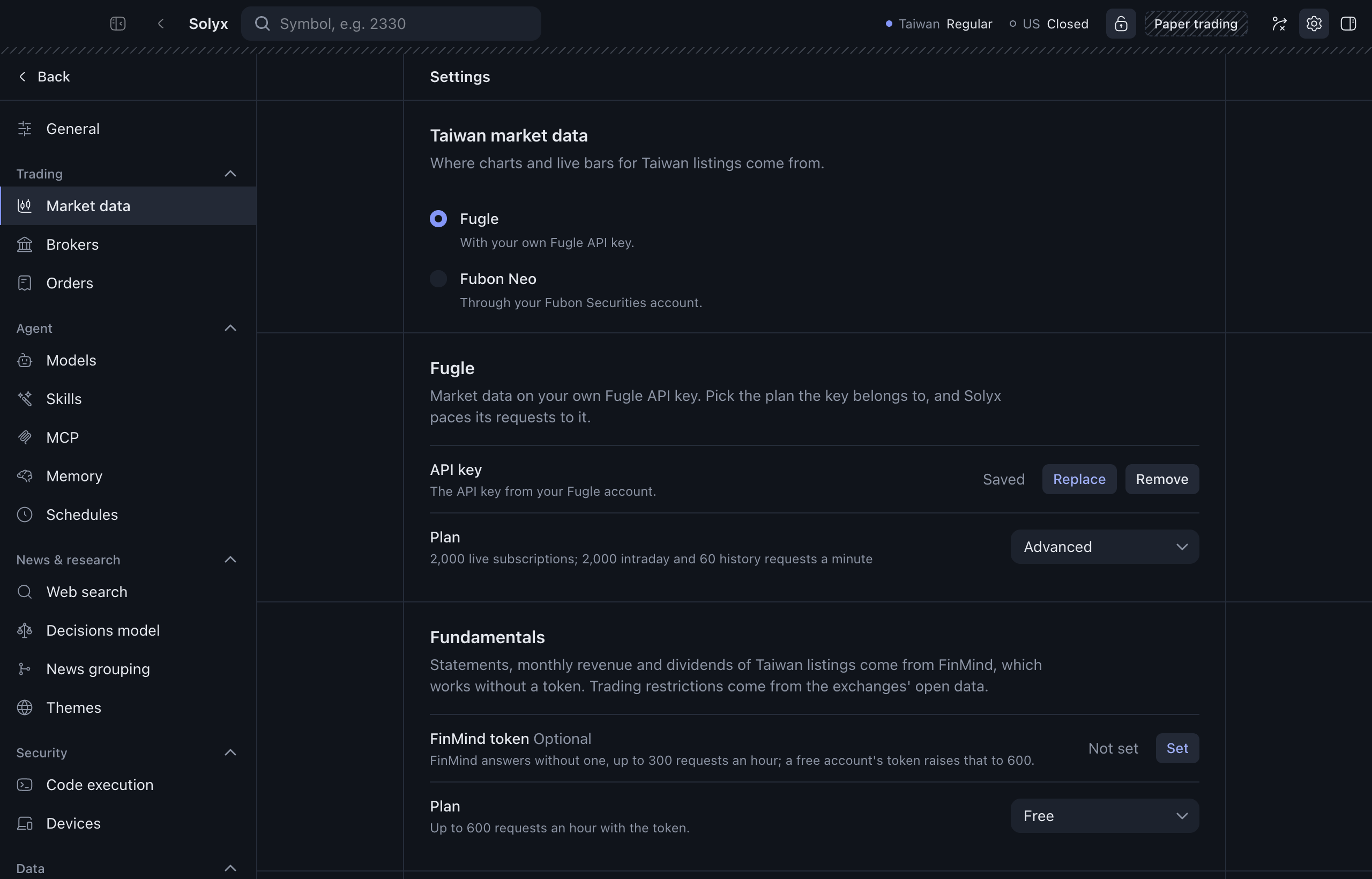
Under Settings → Market data, Taiwan market data picks where charts and live bars for Taiwan listings come from: Fugle, on your own Fugle API key, or Fubon Neo, through your Fubon Securities account.
Fugle
Fugle serves Taiwan's quotes, candles and live bars. Its free Basic plan is enough to start.
Create a Fugle account at fugle.tw.
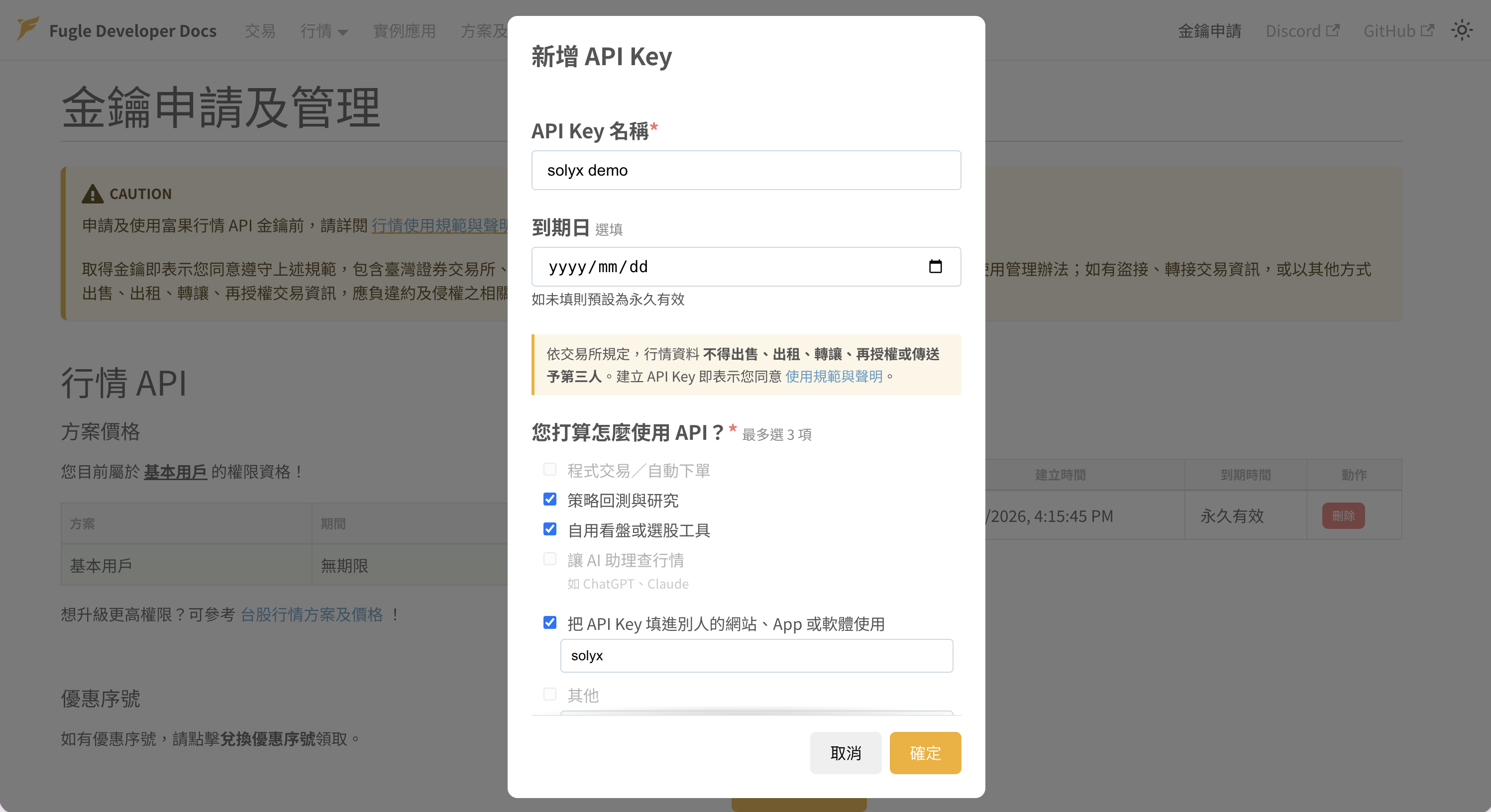
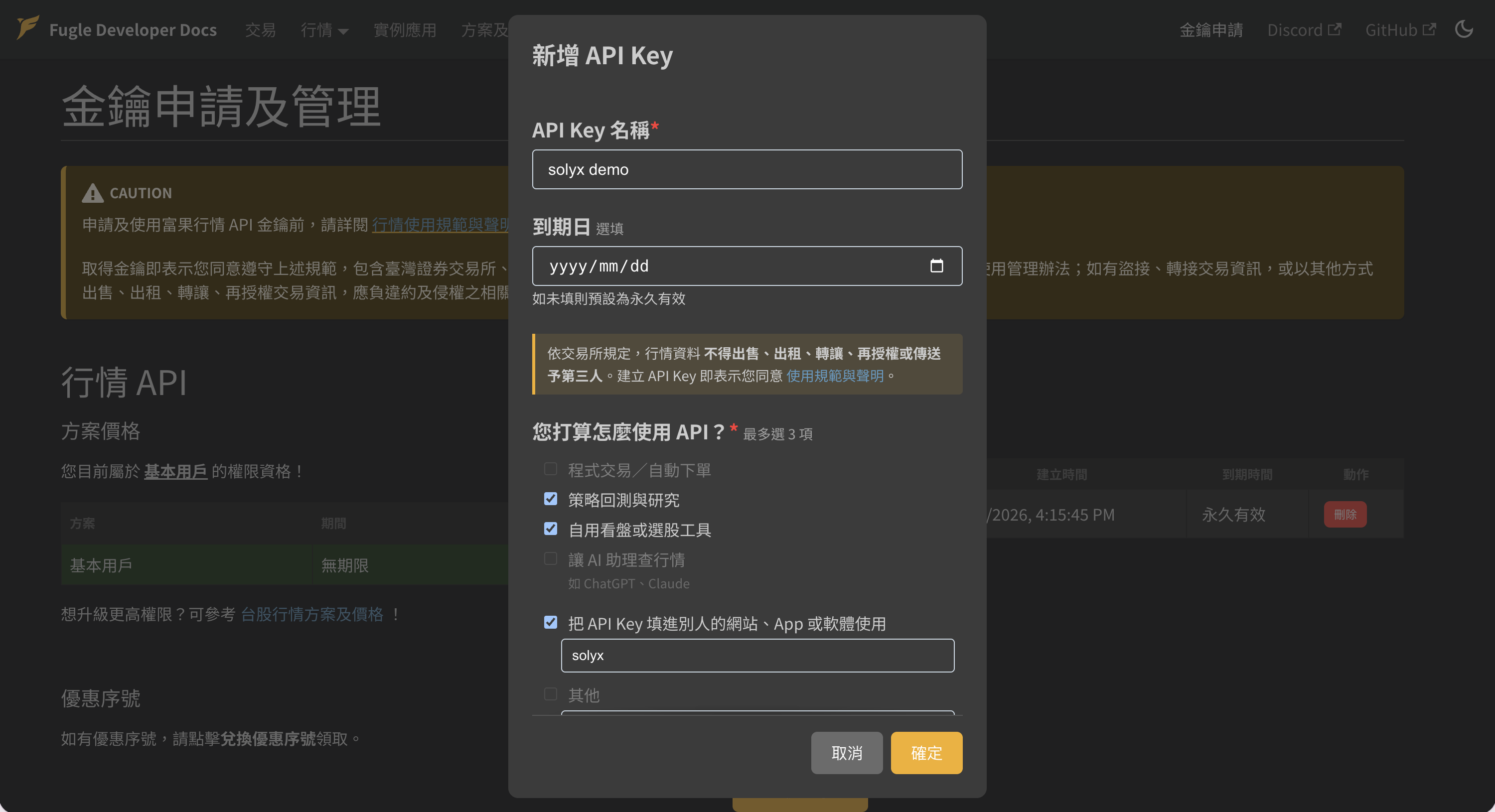
Apply for a market data API key on Fugle's key page. Read the terms of use first; applying for a key agrees to them.
Pick a plan if you need more. Basic is free; Developer and Advanced are paid subscriptions with more live subscriptions and requests.
Enter it in Solyx. Under Settings → Market data → Fugle, set API key, and pick the Plan the key belongs to: Basic (free), Developer or Advanced. Solyx paces its requests to that plan.
| Plan | Live subscriptions | Intraday requests / min | History requests / min |
|---|---|---|---|
| Basic | 5 | 60 | 60 |
| Developer | 300 | 600 | 60 |
| Advanced | 2,000 | 2,000 | 60 |
Five subscriptions go quickly
On Basic, each chart's live bars take one subscription and its order book another, so a couple of charts and a watched exit fill the plan. A book the stream has no room for is read every 5 seconds instead.
Fubon as market data
Pick Fubon Neo to read market data through your Fubon Securities account. It allows 300 live subscriptions, 300 intraday requests and 60 history requests a minute. Fubon's sign-in is set up under Settings → Brokers, and orders to a Fubon account use it too. Setting up Fubon.
FinMind
Statements, monthly revenue, dividends, investor flows and Taiwan's trading calendar come from FinMind, which works without a token.
Register at finmindtrade.com for a free account.
Copy your API token from your user page.
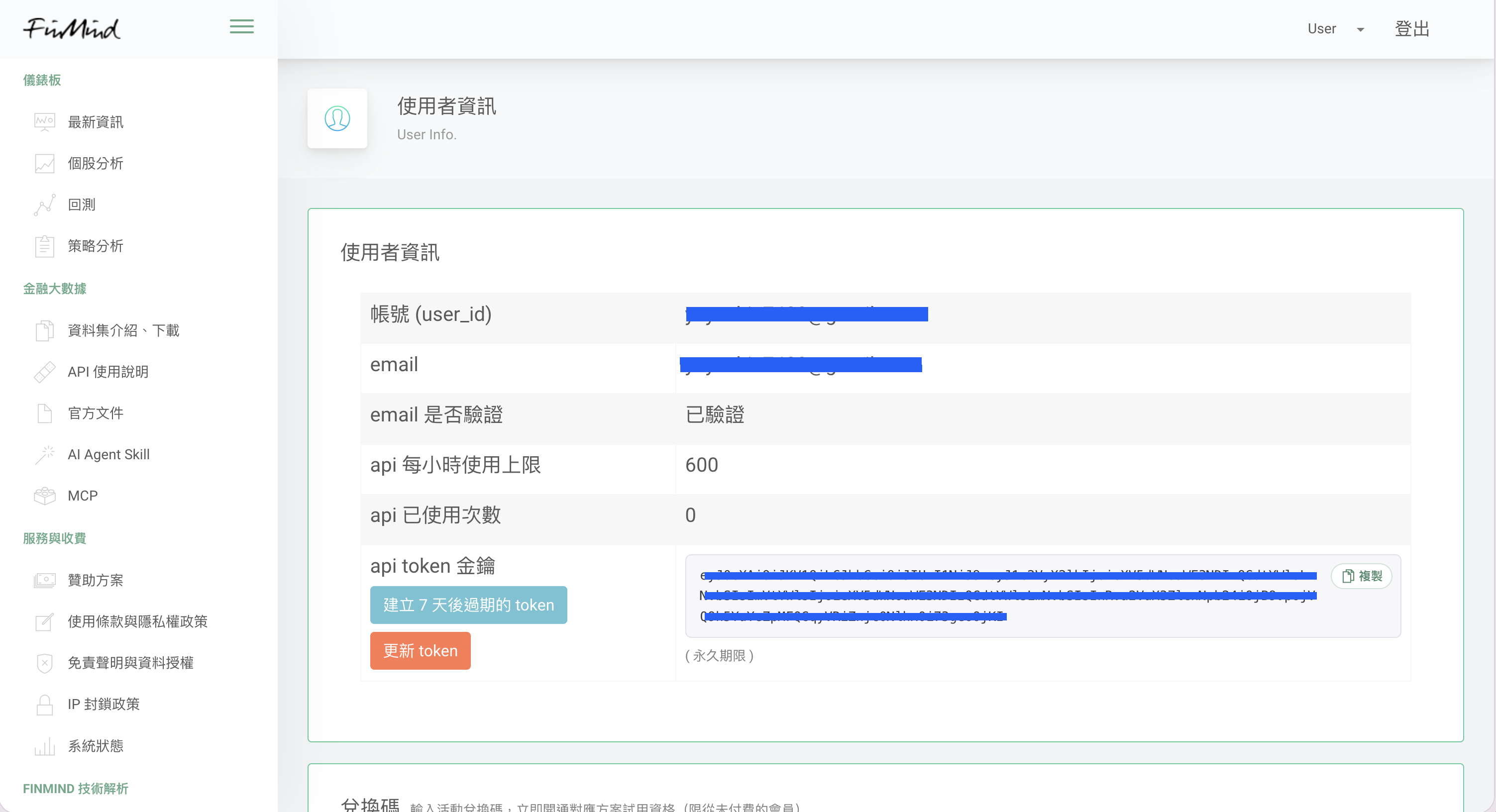
Enter it in Solyx. Under Settings → Market data → Fundamentals, set FinMind token and pick its Plan: Free, Backer, Sponsor or Sponsor Pro.
| Plan | Requests an hour |
|---|---|
| No token | 300 |
| Free | 600 |
| Backer | 1,600 |
| Sponsor | 6,000 |
| Sponsor Pro | 20,000 |
Fundamentals, flows and the trading calendar share one budget.
Open data
These sources need nothing from you.
From the TWSE OpenAPI and TPEx OpenAPI: company profiles, the exchanges' P/E, yield and price-to-book, price limits, sector closes, ex-dividend notices, shareholders' meetings, trading restrictions and warnings, governance notices (pledges, sanctions, fines, changes of control), material information, insider transfers, market closures and the funds TWSE lists.
Funds' daily net asset values and monthly costs, from SITCA's open data, used under the Open Government Data License, version 1.0.
The release calendar from stat.gov.tw, and the figures of CPI, GDP, trade, export orders, industrial production and the business indicators from DGBAS's statistical database.
The US dollar in Taiwan dollars: each business day's close of the interbank market (source: Taipei Forex Inc.), from the central bank's open data, used under the Open Government Data License, version 1.0. It only shows US dollars in Taiwan dollars and never enters an order's checks.
US Treasury yields at each day's close (3-month, 2-, 10- and 30-year), from the Treasury's daily par yield curve, the US government's own data, free of copyright.
Posts on PTT's Stock board that name a listing you follow.
Only what sites let programs read
Solyx reads no site whose terms forbid programs from downloading its data. TWSE's own websites do, so only what it publishes as open data is read; a fund's estimated net asset value, which only those sites hold, the agent finds on the issuer's own pages.
US market data
The app follows the US session and its rules, but no US data source is wired up yet.