Keys and sources
What Solyx reads, where from, and what you bring for each.
Every key is yours and is saved encrypted on your computer. Market data and a model are enough to start; the rest add to what the agent can do. Requests go straight from your computer to each provider.
| For | Source | You bring | Guide |
|---|---|---|---|
| Taiwan quotes and candles | Fugle, or Fubon | A Fugle API key, or Fubon's SDK and login | Market data |
| Fundamentals, dividends and investor flows | FinMind | Nothing; a token raises the limit | Market data |
| Exchange lists, filings and insider transfers | TWSE's and TPEx's open data | Nothing | Market data |
| Funds' net asset values and costs | SITCA's open data | Nothing | Market data |
| Economic releases and their figures | Taiwan's statistics portal and DGBAS | Nothing | Market data |
| Orders to your own account | Fubon Securities | Fubon's SDK, a certificate and an API key | Broker |
| The agent's model | A model provider of your choice | An API key, or a sign-in to ChatGPT, GitHub Copilot, xAI or Meta | Models |
| Web search and news outlets | Firecrawl, Exa or Tavily | An API key | Web search |
| Reading claims, news and commands (decisions) | TypeSafe, Cloudflare Workers AI or OpenAI | An API key | Decisions model |
| Search by meaning and grouping stories (embedder) | OpenAI, or a model on your computer (Ollama, LM Studio) | An API key, or nothing | Embeddings |
| Backups | Any S3-compatible bucket | An access key and a passphrase | Backup |
| Traces and logs | Any OTLP endpoint | Its address and headers | Observability |
First launch
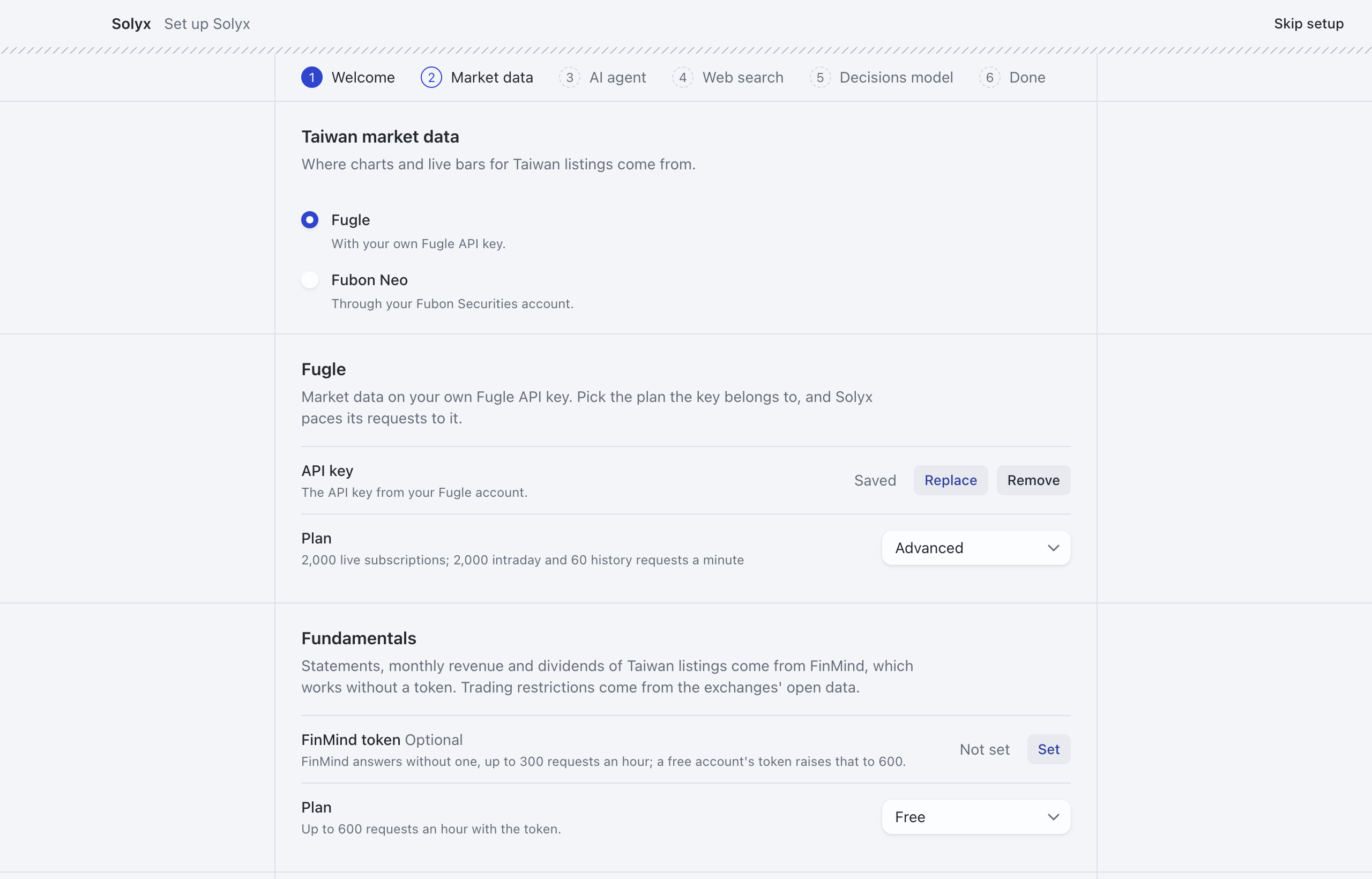
The first time Solyx opens, it walks you through what it needs. You can skip any step and come back to it under Settings.
Welcome. Pick the theme, the price colours and the language, and whether to send crash reports.
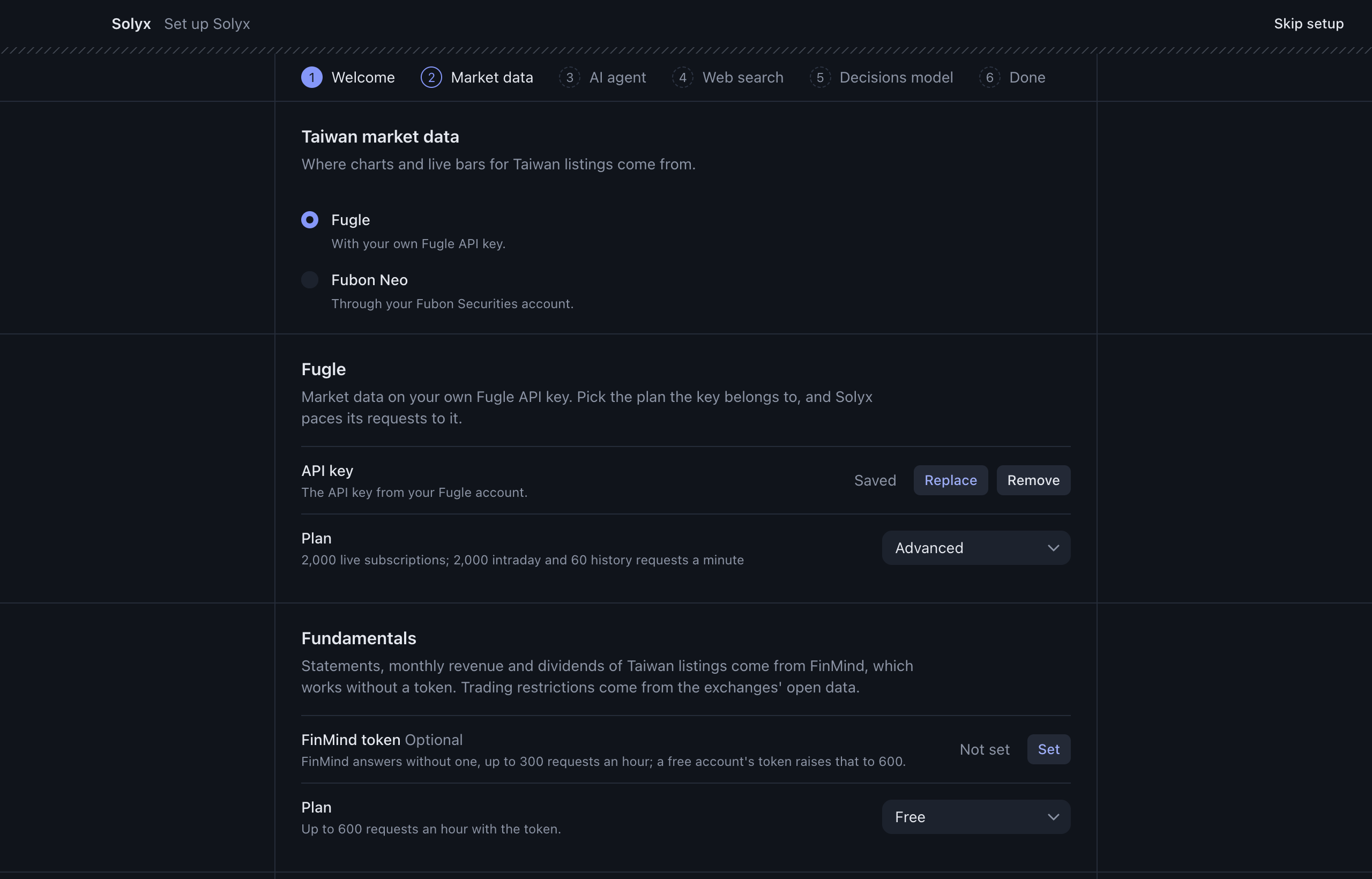
Market data. Choose Fugle or Fubon for Taiwan quotes and charts, and enter its key or sign-in. Market data.
AI agent. Switch on a model provider and give it a key or sign in. Models.
Web search. Enter a key for the vendor news and the agent search through, and how often news is collected. Web search.
Decisions model. Enter a key for the model that reads claims, news and commands. Decisions model.
Done. A summary shows which parts are ready. Orders go to a paper account until you set up a broker.
How keys are kept
Keys and sign-ins are encrypted by your operating system's secret store and never shown again once saved: a key's row offers only Replace and Remove. They never reach the config file, a log, an error report or a backup.
Linux needs a keyring
On Linux, Solyx can save keys only once GNOME Keyring or KWallet is installed and unlocked. Restart Solyx after setting one up.
Plans and limits
Providers enforce the limits of your plan, so Solyx keeps one connection per key and plan and spaces its requests to match. Closed sessions are cached on your computer, so a chart does not download them twice. A plan's live subscriptions are shared: a chart's live bars take one, and the quote and order book beside it another. A book the stream has no room for is read every few seconds while the market trades. Each plan's limits.
Endpoints you choose
Only you can send a model provider's requests to another endpoint, such as your own gateway, name an endpoint for the app's traces and logs, or name the bucket that receives your backups. Backups are sealed under your passphrase before they leave the computer and never hold a key.