Trading mandate
Let the agent's proposals within bounds you set go to the broker without waiting for you.
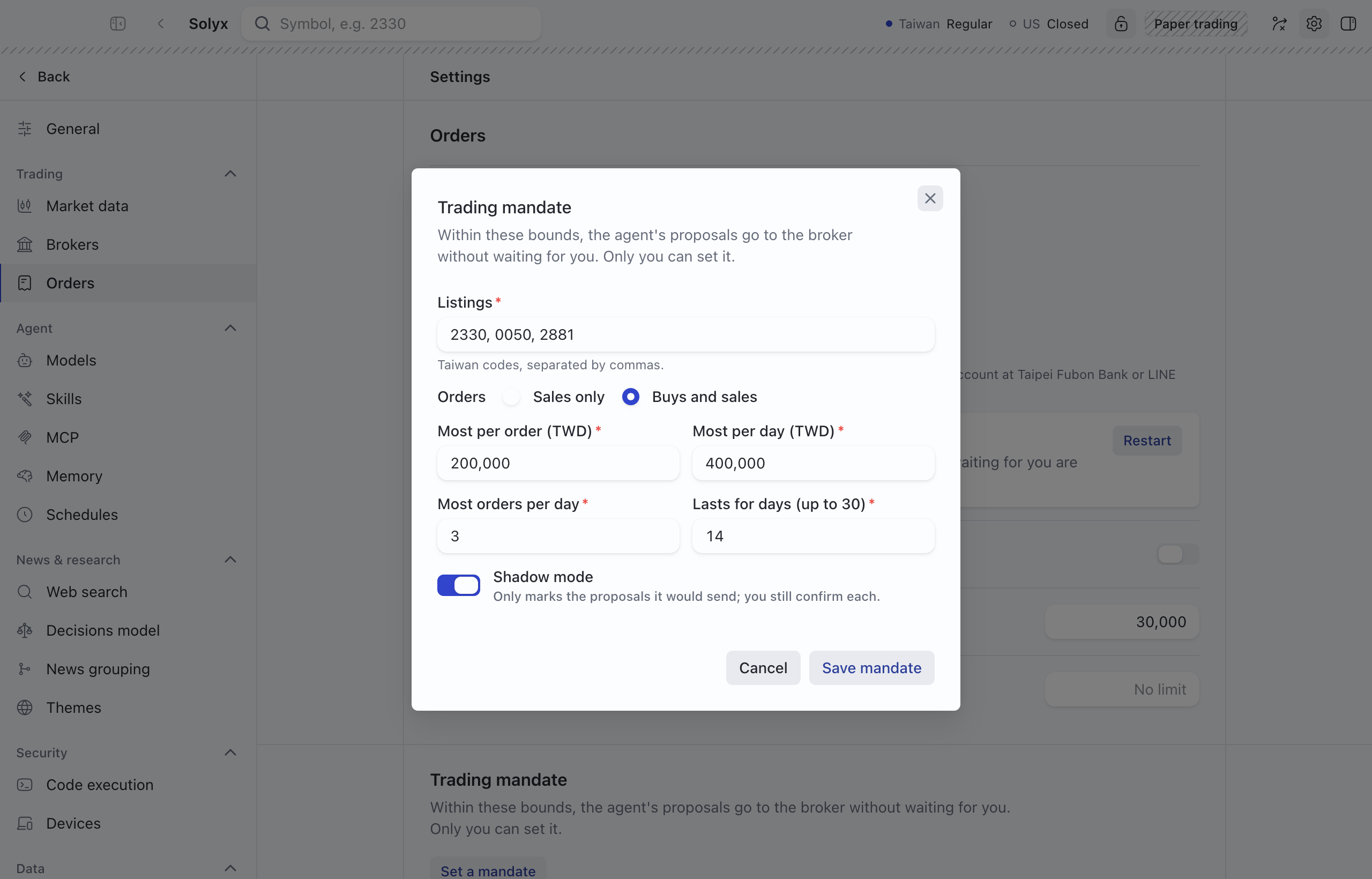
A trading mandate lets the agent's proposals go to the broker without waiting for you, within bounds you set in Settings → Orders:
- the listings it covers, and whether it covers buys or only sales;
- the most one order may come to, and the most a day's orders may come to and number;
- how many days it lasts, up to 30.
It covers limit orders only, never your own proposals, and only the account it was set for. Every check still runs, and confirming stays yours for anything outside it.
A day's orders are counted from the broker's own list of what Solyx sent that day, the orders you confirmed yourself included, so restoring a backup or editing Solyx's files cannot reset the count. While the broker's orders can't be read, the mandate sends nothing.
Shadow mode first
Set the mandate. A new one is in shadow mode unless you switch it off: it marks each proposal it would have sent, and you still confirm them.
Watch its picks. Compare what it marks with what you would have sent yourself.
Turn shadow mode off once its picks look right. From then on, a proposal it covers goes to the broker once it passes the checks.
Unanswered orders lock trading
If an order the mandate sent goes unanswered by the broker, or Solyx closes while sending it, Solyx locks orders until you look at the account.
Only you can set it
The mandate is sealed with your keys, so only you can set it, in the app. The agent cannot change it, and neither can an edit to Solyx's files. It never sends an exit, a stop or target, which always waits for you.