The order panel
Make a proposal yourself, with the chart, the order book and what you hold beside it.
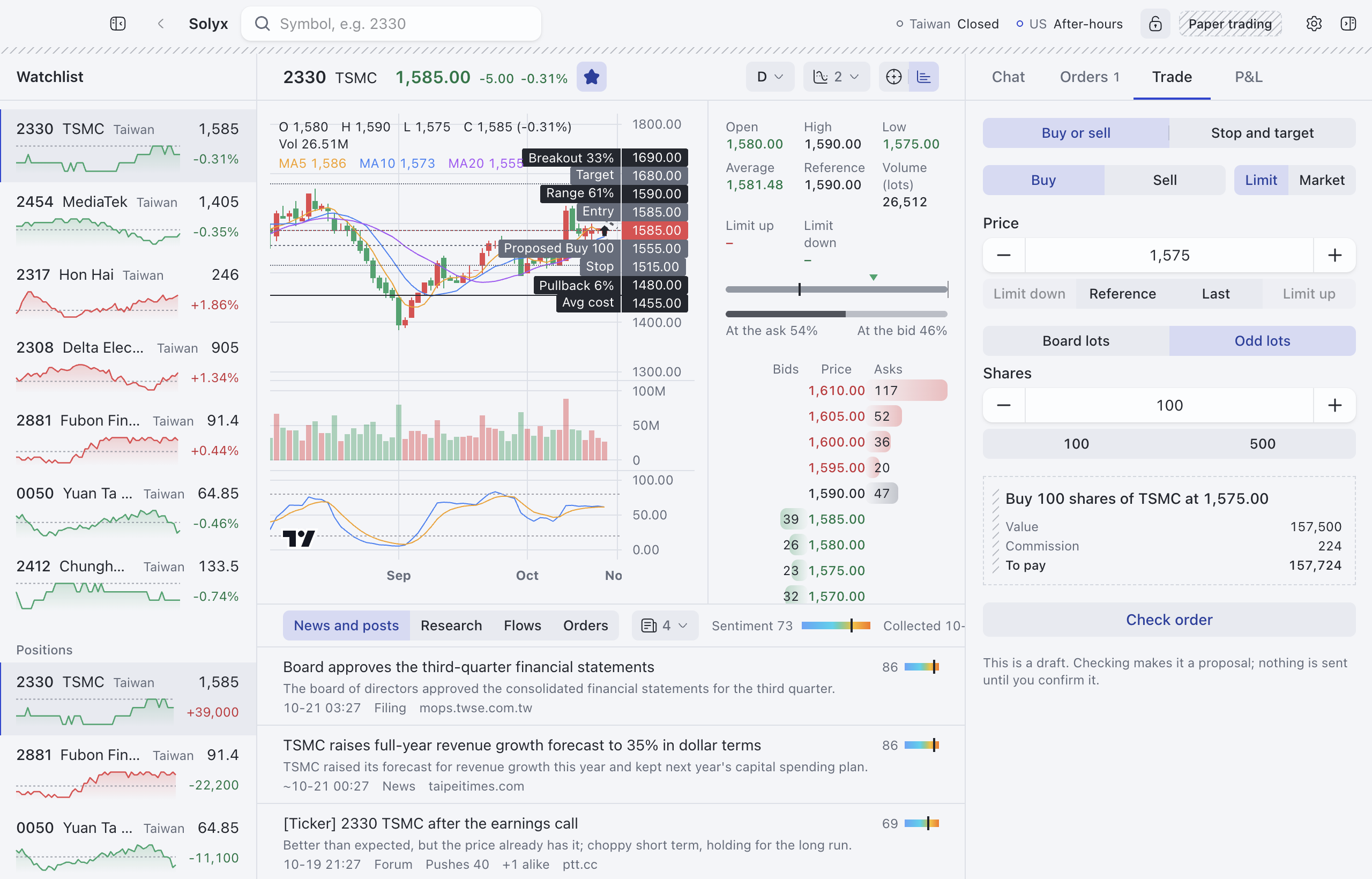
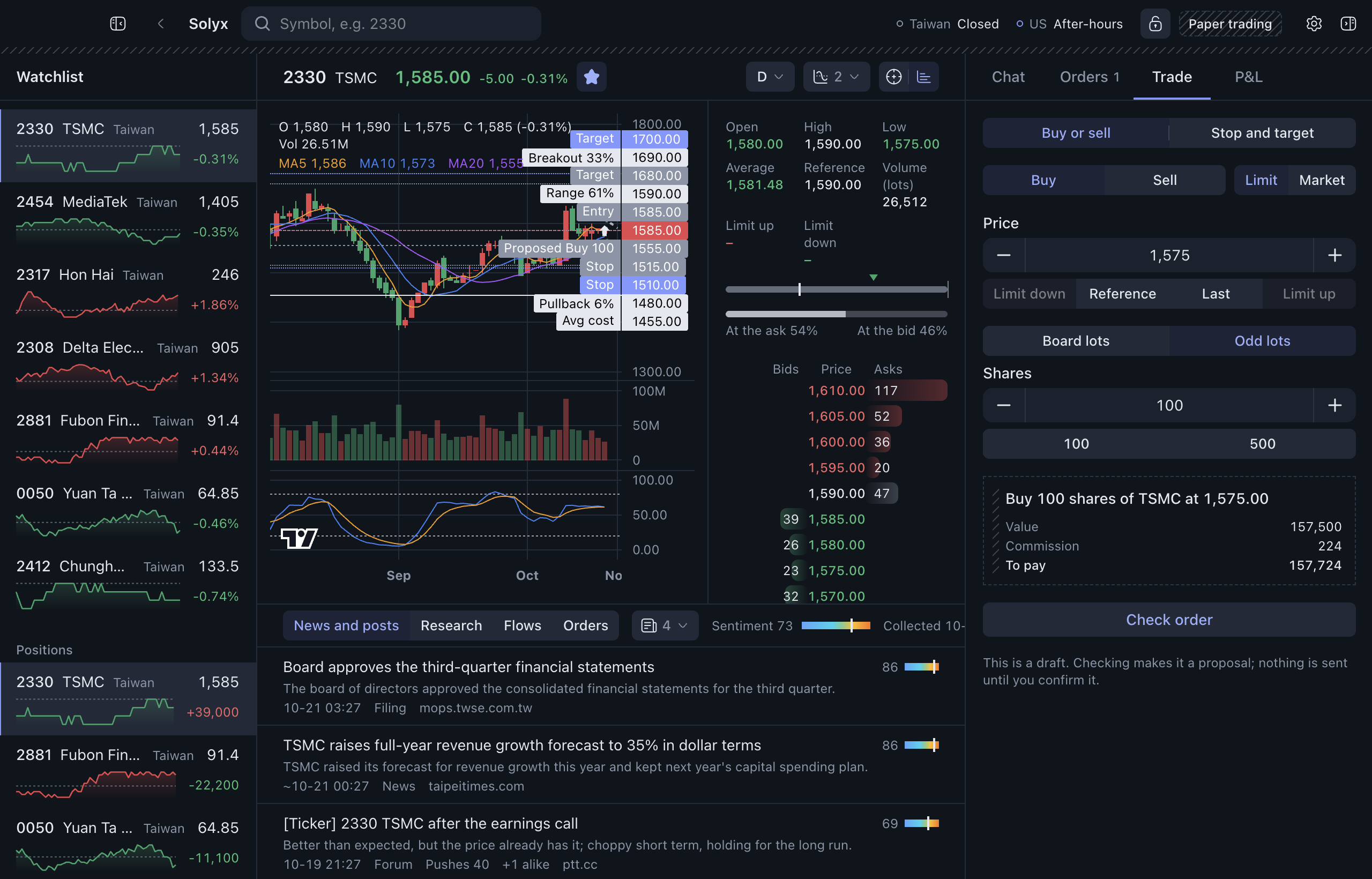
The right-hand pane has four tabs: Chat with the agent, with its conversations; Orders, the proposals waiting for you, the orders still working, the newest fills and past proposals; Trade, the order panel; and P&L, each currency's unrealized gain beside its cash (with both currencies held, their total in Taiwan dollars at the central bank's newest USD close), every holding marked at its last price, and what closed positions realized, as a running total with each trip under it.
Filling it in
On a listing's page the panel trades that listing; anywhere else, type a symbol and pick its market. It opens once the market's data source lists the symbol, so a mistyped one proposes nothing.
Pick a side and a quantity. A Taiwan order counts board lots, or shares for odd lots.
Set the price. It follows the last trade until you set one: step it a tick at a time, pick a price from the book beside the chart, or take the limit down, the reference, the last trade or the limit up. Pick on chart, the crosshair above the chart, takes the price of your next click on it.
Read it back. As you fill it in, the order is written out in pencil with its value, commission and, on a sale, tax.
Check order. This makes a proposal from it, which waits right below to confirm, and under Orders like any other. Changing the panel afterwards dismisses it.
On the chart
The chart shows what the account does in the listing:
| Drawn as | What |
|---|---|
| Ink | Your average cost and the orders still working |
| Dotted | Stops and targets the broker watches |
| Dashed pencil | Proposals still waiting |
| Arrows | Each bar where you bought or sold |
| Lines at the edges | The session's limits |
Intraday, with the intervals under the button that names the bars shown, charts the newest session on minute bars, shaded above and below its reference price, with its average price and volume across the session's hours.
The order book and your holding
Order book, the bars above the chart, shows the session's figures with where it has traded between its limits, the best five bids and asks and what you hold of the listing, marked at the last price. Orders under the chart lists the listing's orders still working and its newest fills.
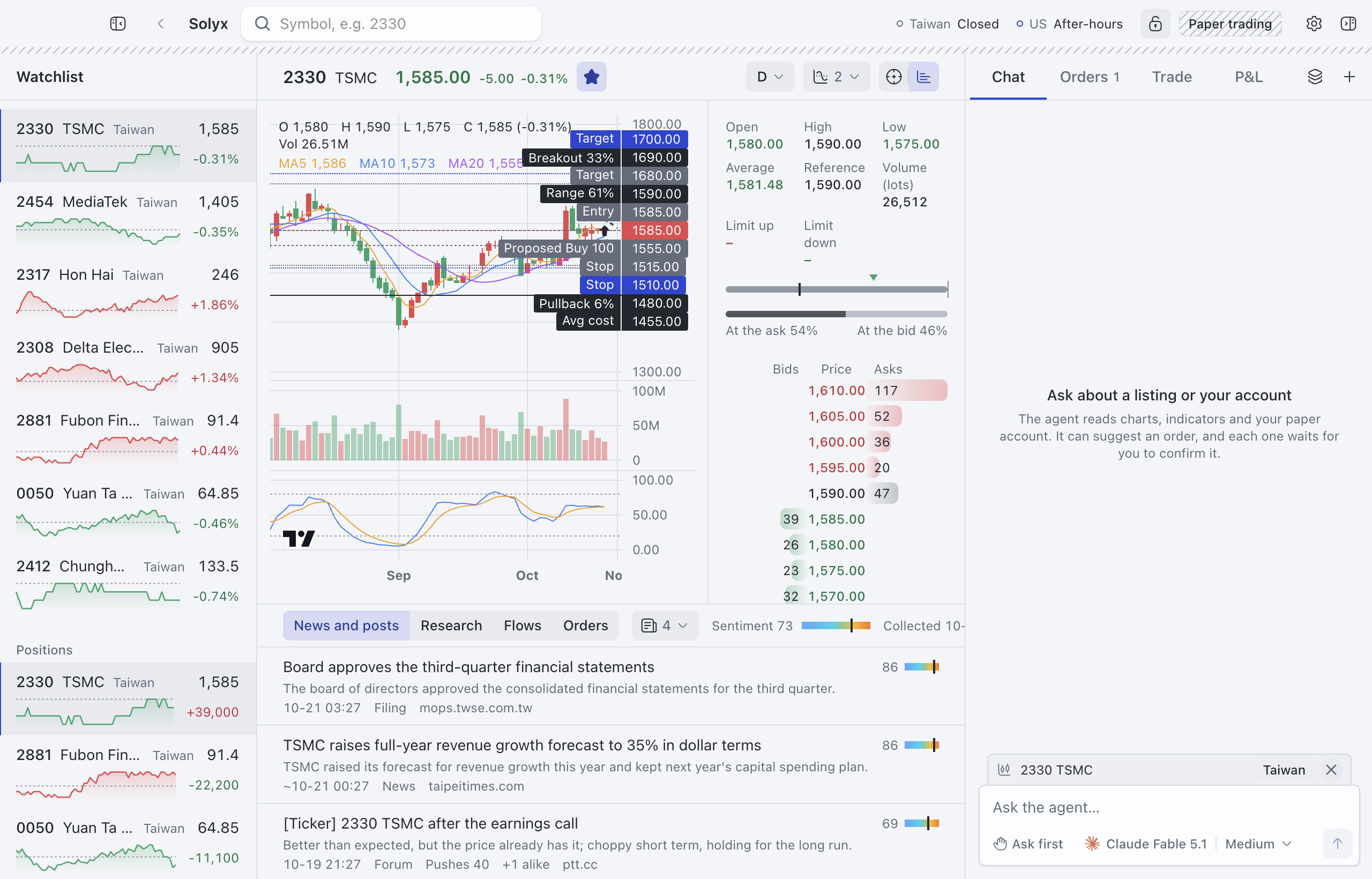
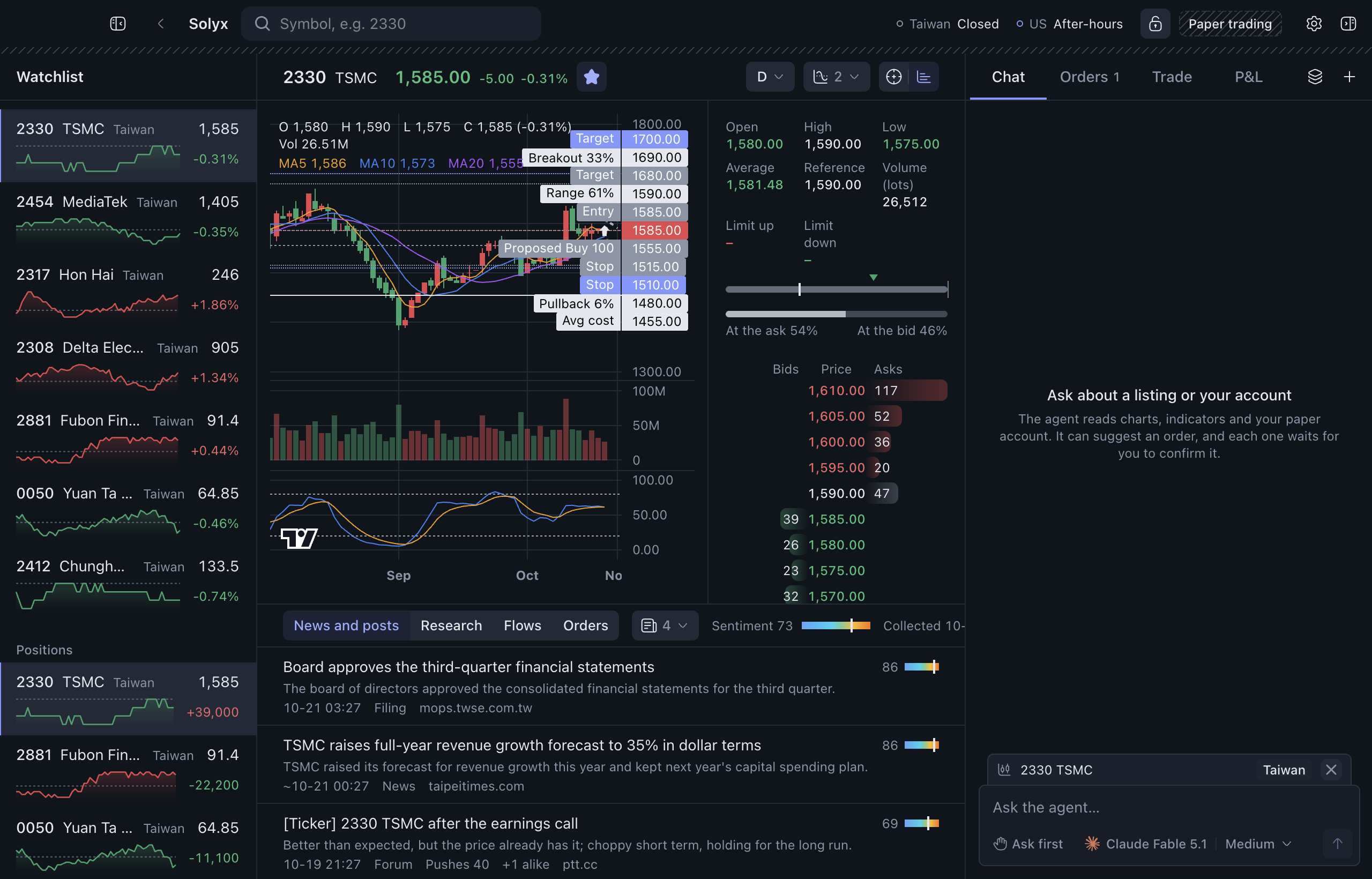
Sell or Stop and target on what you hold opens the order panel filled in with what you can sell, here, under P&L or on the overview. Nothing is proposed until you check it.