Schedules
Tasks that send the agent a message on their own, and the data the app collects on its own.
A scheduled task sends the agent a message on its own, each run in a conversation of its own that spends your model's tokens. Runs go on while Solyx sits in the menu bar.
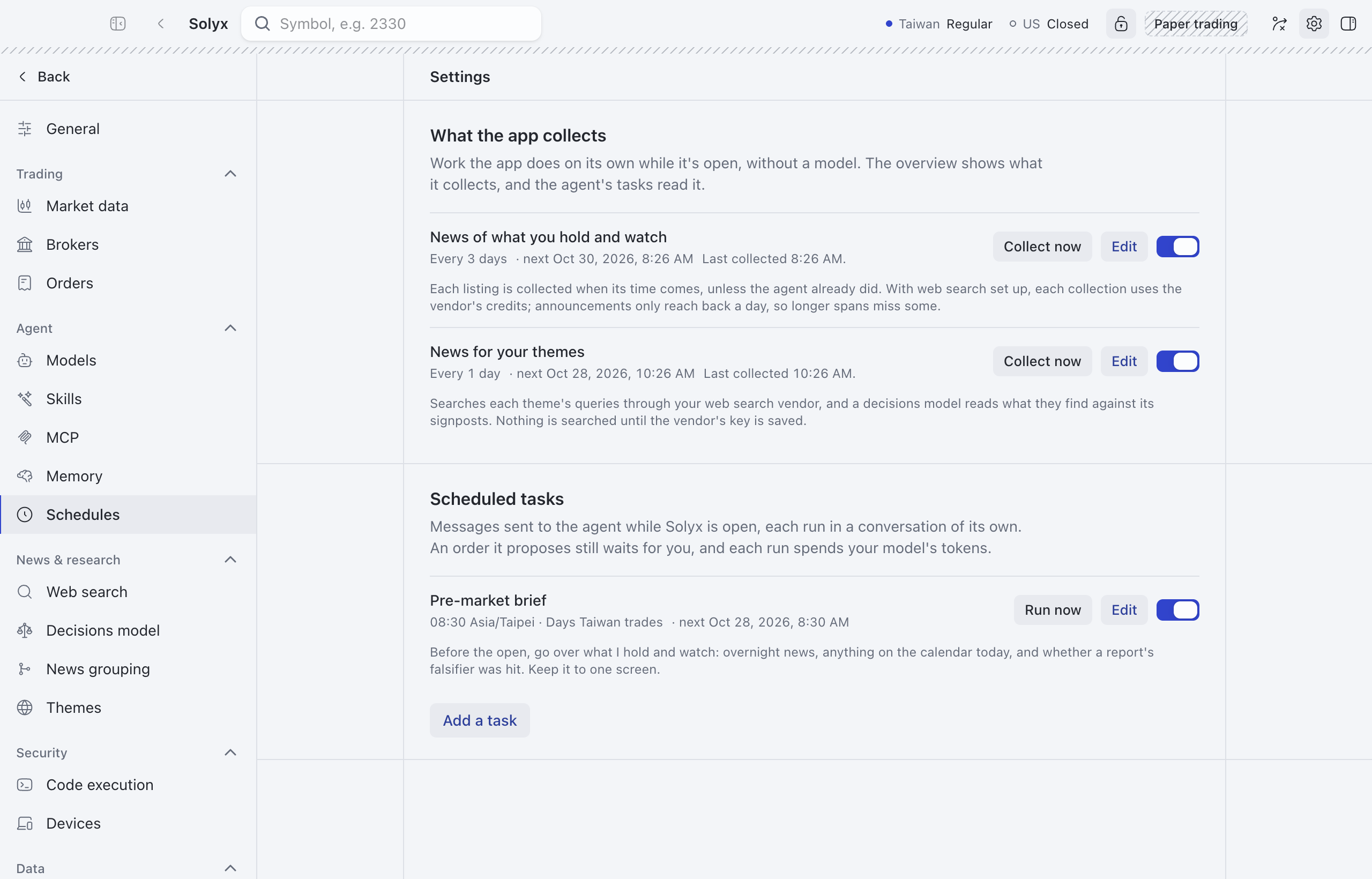
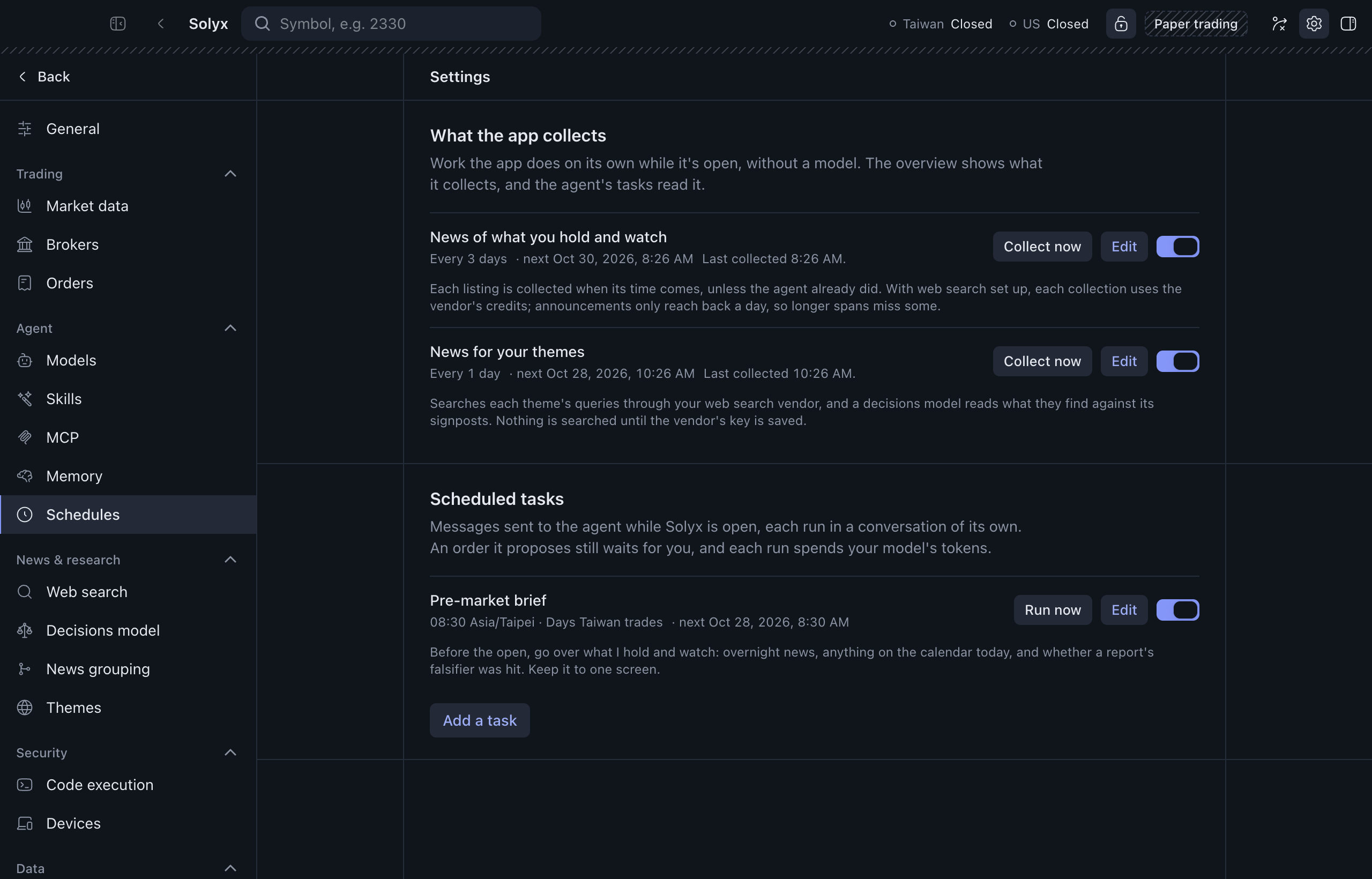
Making a task
Under Settings → Schedules → Scheduled tasks, or by asking the agent, give a task a Name, What to send and When.
Every 30 minutes, hour, 2, 4, 6 or 12 hours, or day. A run counts from the later of when the task was saved and when it last ran.
Calls that must ask picks Wait for me, the default, or Allow what is judged harmless. A scheduled run never runs in Don't ask.
Most steps a run takes bounds how many rounds of tool calls one run makes, 50 unless you change it. A run that reaches it stops there, and Continue in its conversation gives it as many again. Lower it for a model that keeps repeating its calls.
A task's runs are marked Scheduled among your conversations, and Open its conversation shows the latest. Run now runs one at once.
The watchlist-upkeep skill makes a good task: a round over the watchlist ending in a briefing.
What the app collects
Above the tasks, What the app collects sets how often Solyx collects on its own, with no model:
| What | Default |
|---|---|
| News of what you hold and watch | Every 72 hours |
| News for your themes | Every 24 hours |
Each can run every 6 or 12 hours, daily, every 3 or 7 days, or at a time of day, and Collect now runs it at once. Web search.