The agent
What the agent reads, how its actions are allowed, and what it never does.
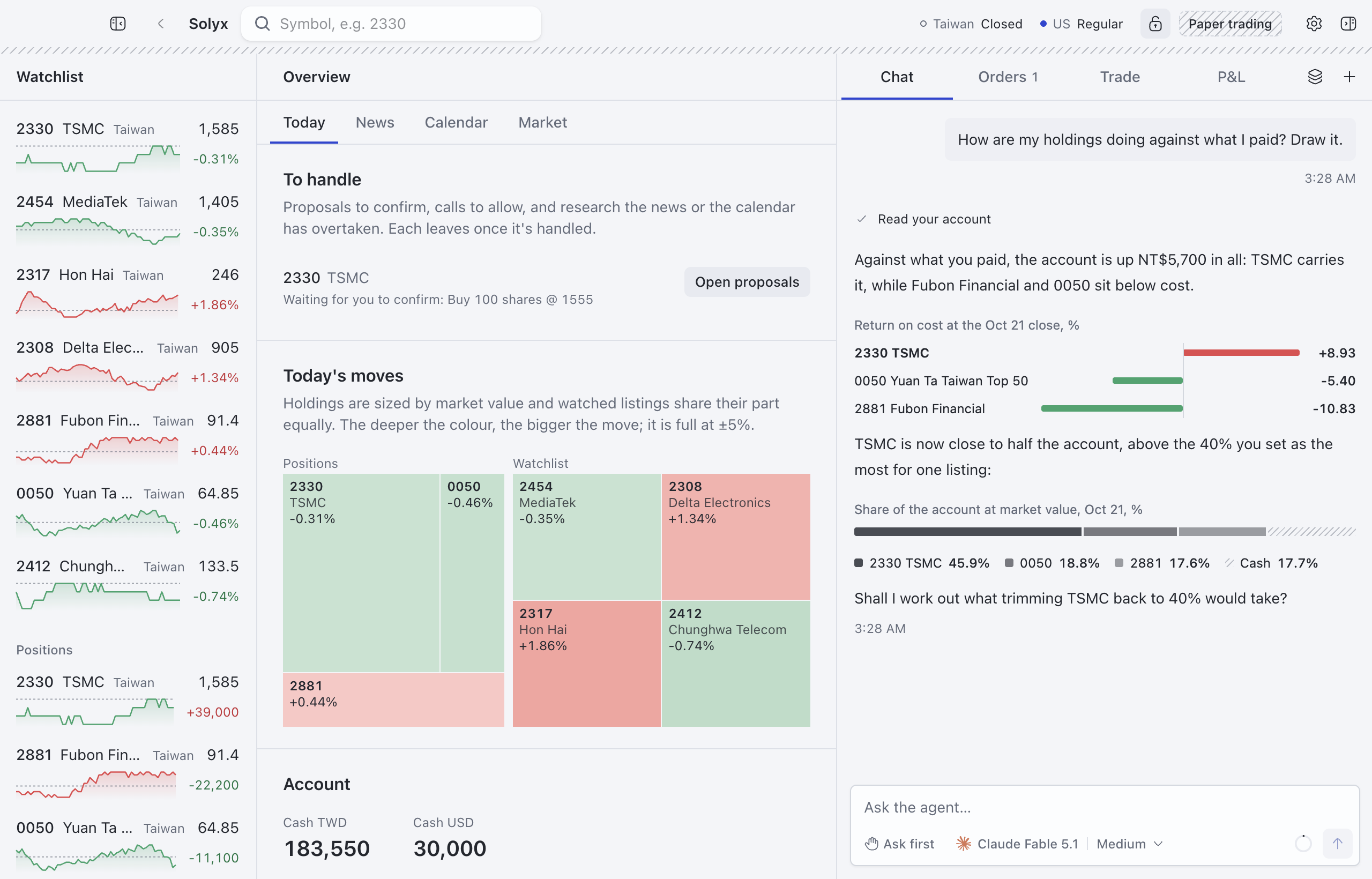
The agent talks about what is on your screen. A message carries the listing you are looking at, with its chart's interval and indicators and the run the backtest panel shows, or the overview's tab; Don't attach leaves the screen out of a message.
Talking to it
@names another listing: those on screen first, then what you hold, then what you watch.- Files ride with a message: pick them with +, drop them on the composer or paste a screenshot, up to five of 20 MB each. Images (PNG, JPEG, GIF, WebP) go to a model that can see them, which the composer checks before sending; text files and PDFs go as their text, and the agent reads one too long to carry a part at a time. A scanned PDF holds no text, so attach its pages as images. Private keys and certificates are refused. Solyx keeps what the agent reads of a file rather than the file: an image as scaled for the model, a text file, and a PDF's text. They stay with the conversation, so backups hold them and deleting the conversation removes them. A sent message shows its files as icons, which name themselves as the pointer rests on them; clicking one, there or in the composer, shows what the agent reads of it: the image, or the text, a PDF's as read from it.
/calls a skill or a command./compactsummarizes earlier messages to free up context, keeping what you write after it.- The model and thinking level are picked per conversation in the composer, starting from your default.
- The context meter shows how much of the model's window the conversation fills. Older messages are summarized as it fills; Summarize earlier messages does it now. Each reply's Tokens show what was prompted, read from and written to the cache, and replied.
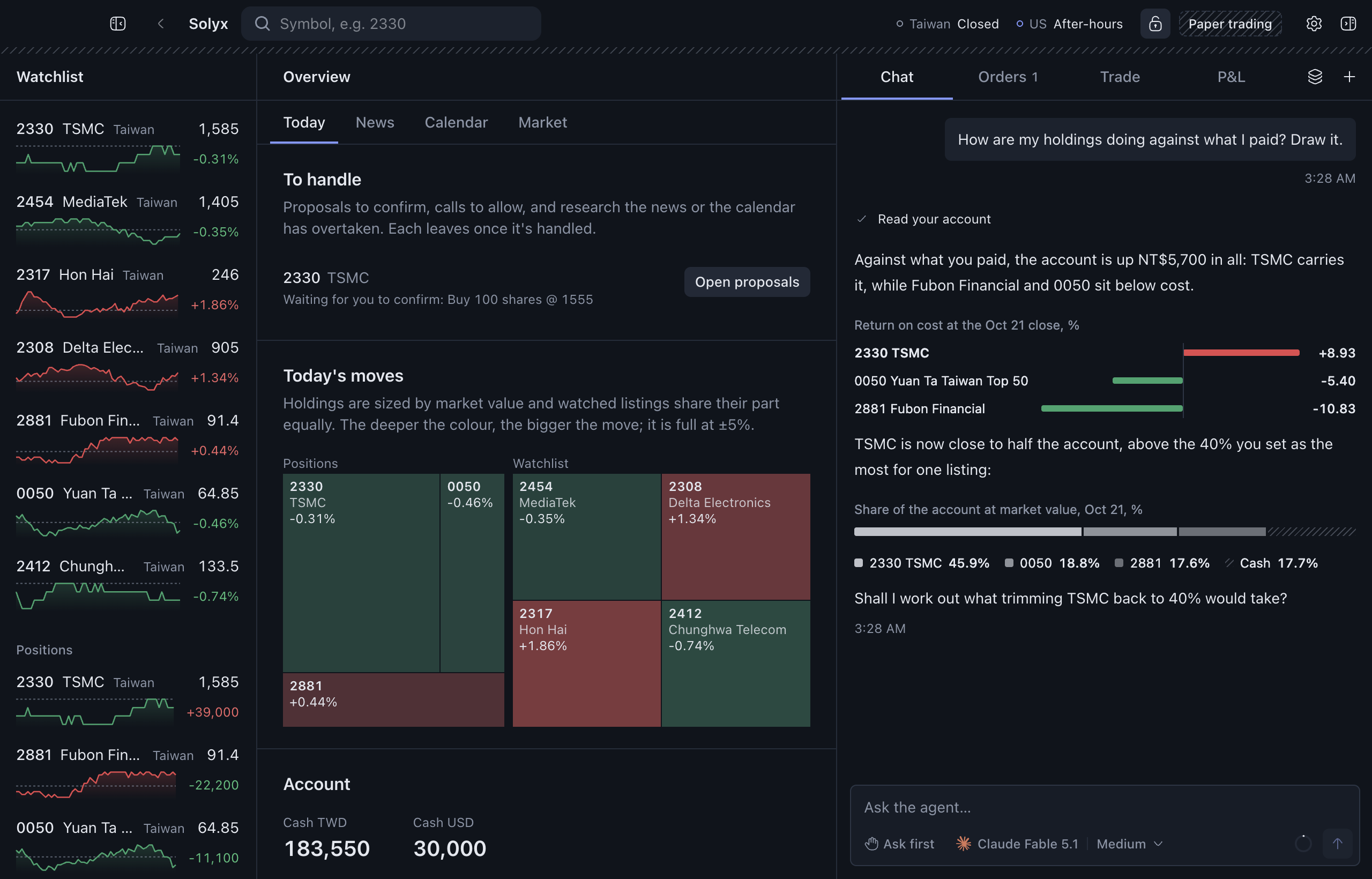
- Replies can draw figures, a canvas in the app's own colours with no scripts or network, and link into the app. A link to the web asks before it opens.
- Edit as a new message starts over from one of yours.
What it reads
- Figures it cites rather than works out. Its tools read candles, indicators, fundamentals, investor flows, economic figures, the calendar, news and your account. The app computes growth, margins and multiples, so the model quotes them. How Solyx computes.
- Its own analysis. Scripts it writes run in a sandbox that reads market data, flows, fundamentals and the account, and reaches nothing else: no network and no files.
- The web, through your Firecrawl, Exa or Tavily key.
- What it learned of you. Memories carry over between conversations; you can read, edit and forget each one.
How its actions are allowed
Each conversation picks how the agent's tool calls and shell commands are allowed.
| Mode | What runs without you |
|---|---|
| Ask first | Nothing: tool calls and shell commands wait for you to allow them. |
| Allow for me | Shell commands the decisions model judges harmless, reading pages this conversation found, and adding new notes to memory. Everything else asks. |
| Don't ask | Tool calls and shell commands. |
Without a decisions model, Allow for me asks for every shell command. A call that waits shows what it is about to do, with Allow and Don't allow, and one that ran unasked says why. A message from a paired browser always runs as Ask first, and its calls are allowed on the computer running Solyx.
No mode confirms an order
Its tools only propose: your hold in the app confirms, or a trading mandate you set sends what falls within it.
If Solyx quits mid-run
Every message, reply and tool call is stored as it happens, so a run that Solyx's exit cut off goes on from where it stopped at the next start. A tool call it cut off runs again only when running it twice changes nothing; otherwise the agent is told it was interrupted.
If Solyx quits several times in a row while the agent works on the same message, that run may be what brings it down, so Solyx stops it there instead. The conversation says so: Try again runs it on from where it stopped, and stopping it, as you would any run, ends it. Only the computer running Solyx can try it again.
What it can change
The agent can read your setup and change a few settings when you ask: the theme, palettes, price colours, language and time zone, the market data source and plans, the default model and thinking level, the decision mode, how often news and themes are collected, the web search and decisions providers, embeddings and update checks. Each change waits for you unless the conversation is in Don't ask.
It can never change a key or sign-in, which providers are on, an endpoint, the shell, MCP tools' policies, shared skills, memory, the menu bar, the backup's destination, the account orders go to, the mandate or the lock.
Its tools
The session and local time of each market; candles; indicators and levels; quotes for many listings; the news with its sentiment; the heaviest headlines; the calendar; the watchlist; and the account's cash, positions, working orders, exits and round trips.
List proposals, check an order against the risk checks without proposing it, propose an order, and propose a stop or target. Nothing else.
Reports and forecasts, fundamentals, base rates, revising a report, submitting a forecast, investor flows, economic figures, sectors and their movers, rotation, and searching stored research, news and proposals.
Search the web and read a page; recall, remember and forget; read themes, search one, and save one.
Read scheduled tasks and their runs, run one now, save one; change the watchlist; read the setup and change a setting.
Read a skill; run an analysis script in the sandbox; search and call MCP servers' tools, or script them; and, when you switch it on, the shell.
Web tools come only with a web search key, and memory tools only while memory is on.